
Genshin ALL update version quadrant chart
51 images, from the TierMaker template “Genshin ALL update version”. Map Genshin ALL update version on a chart with four corners, and resize the canvas or the pictures to fit.
Top left
Top right
Bottom left
Bottom right
Photos are for this visit only: in your downloads, never saved or uploaded.
Canvas
Pictures100%
51 to place




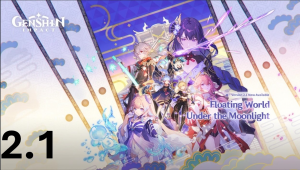
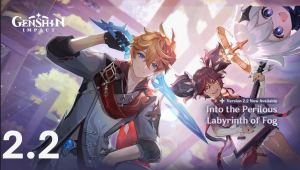
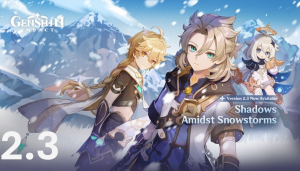


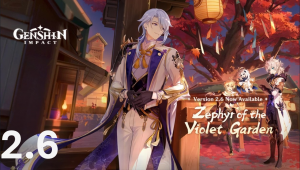
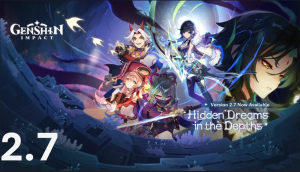

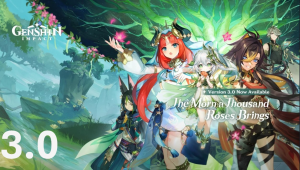
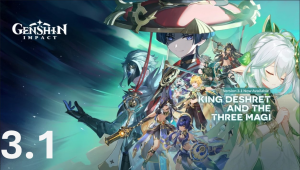

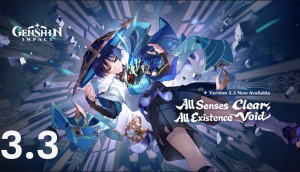
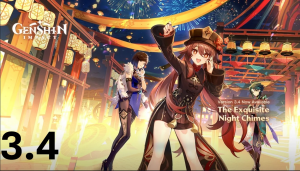
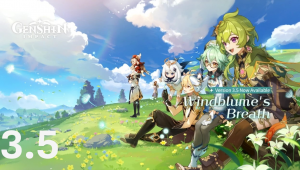
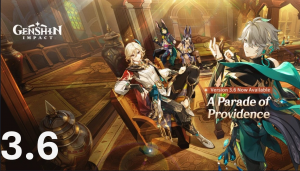


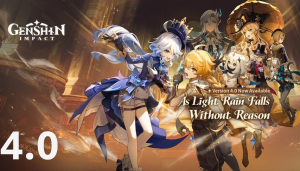

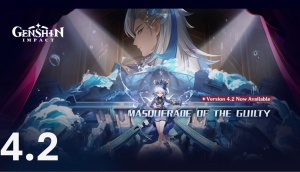
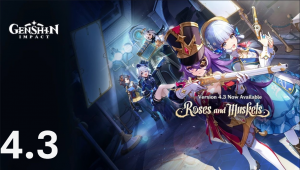

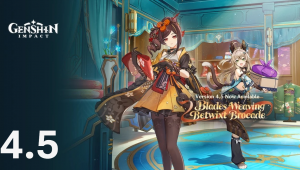
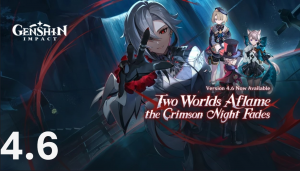



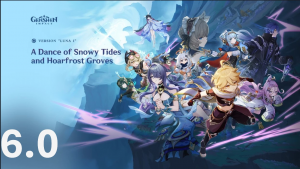
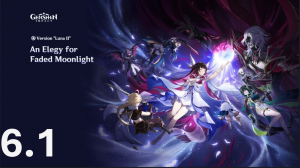
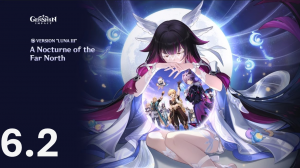


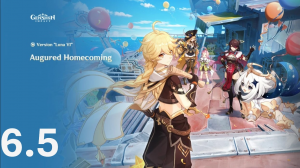
Top Genshin ALL update version, ranked by fans
No top list yet — your picks and finished rankings start it.
About this quadrant chart · How to use it
About this quadrant chart
Each of the four ends has a label you can rewrite, so one chart can compare almost anything.
Pick a bigger canvas or smaller pictures when you have a lot to place.
51 images, from the TierMaker template “Genshin ALL update version”.
Every pick and every finished ranking here counts toward the fans' top Genshin ALL update version.
How to use it
- Click the axis labels to name them.
- Drag each pick to its spot on the chart.
- Change the canvas size or the picture size from the controls above the chart.
- When you're done, download the picture or copy a link that opens your board as you left it.