
Genshin ALL update version pyramid
51 images, from the TierMaker template “Genshin ALL update version”. Build a Genshin ALL update version pyramid where each level holds only a few, so every spot near the top is a hard call.
51 to place


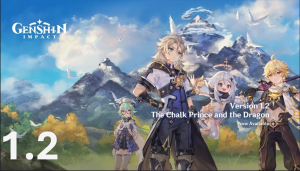

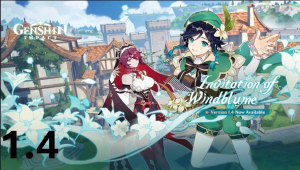











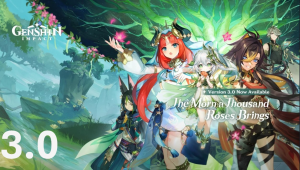




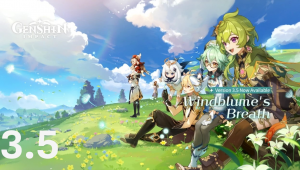




























Top Genshin ALL update version, ranked by fans
No top list yet — your picks and finished rankings start it.
About this pyramid · How to use it
About this pyramid
The narrow top makes a pyramid good for settling the debate over number one, while the wide base still has room for the rest.
Try filling the bottom first and working up, so the last choices you make are the toughest ones.
51 images, from the TierMaker template “Genshin ALL update version”.
Every pick and every finished ranking here counts toward the fans' top Genshin ALL update version.
How to use it
- Drag a tile onto a level, or tap a tile and then a level.
- Change the number of levels to make the pyramid taller or shorter.
- Use the ✕ on a placed tile to send it back to the bank.
- When you're done, download the picture or copy a link that opens your board as you left it.