
“Ultimate Attack” Active Skill alignment chart
42 images, from the TierMaker template ““Ultimate Attack” Active Skill Tier List (LRs Only)”. Place “Ultimate Attack” Active Skill in a 3×3 alignment chart, or rename the rows and columns to make your own.
42 to place









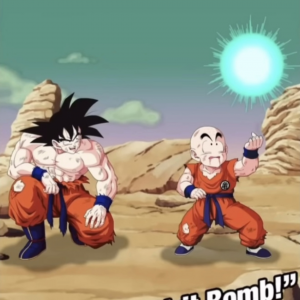
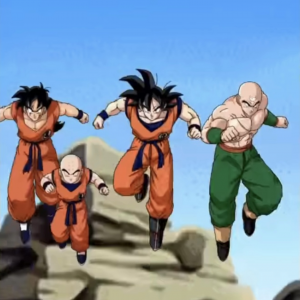
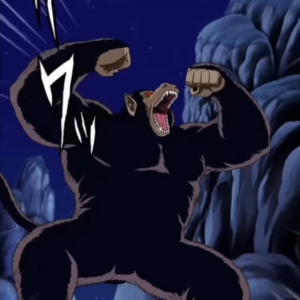












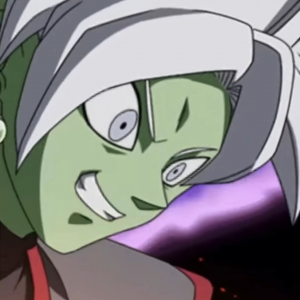










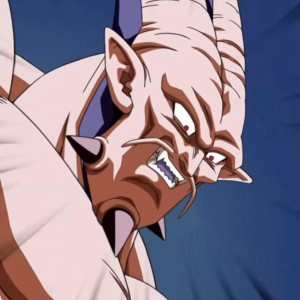

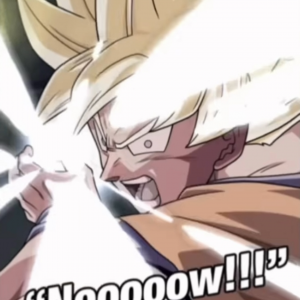



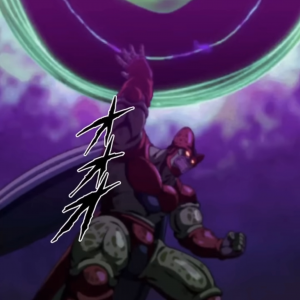
Top “Ultimate Attack” Active Skill, ranked by fans
No top list yet — your picks and finished rankings start it.
What a alignment chart is for · Step by step
What a alignment chart is for
The chart comes from tabletop games, where it describes how a character behaves. Here every box can take as many picks as you like.
Swap the labels for your own pair of scales, such as hype and skill, to sort images a new way.
42 images, from the TierMaker template ““Ultimate Attack” Active Skill Tier List (LRs Only)”.
Every pick and every finished ranking here counts toward the fans' top “Ultimate Attack” Active Skill.
Step by step
- Drag each pick into a box.
- Click a row or column label to rename it.
- Download image saves a picture of your board with your name or logo on it, and Copy link shares this exact board.