
수험생키우기(Student Maker) quadrant chart
89 images, from the TierMaker template “수험생키우기(Student Maker)”. Place 수험생키우기(Student Maker) on a quadrant chart with two axes you name yourself.
Top left
Top right
Bottom left
Bottom right
Photos are for this visit only: in your downloads, never saved or uploaded.
Canvas
Pictures100%
89 to place
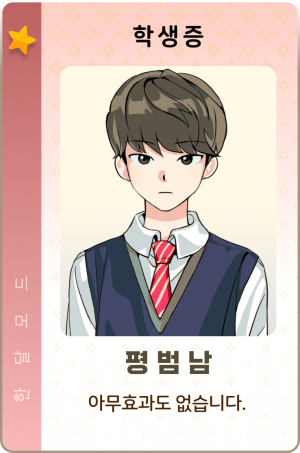
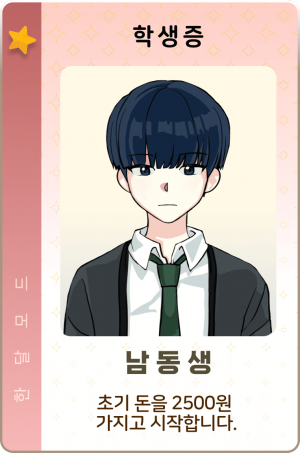
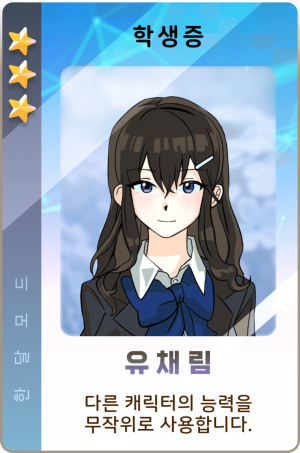
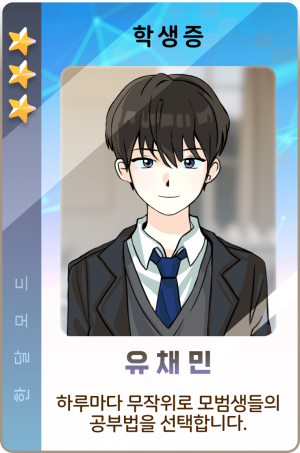
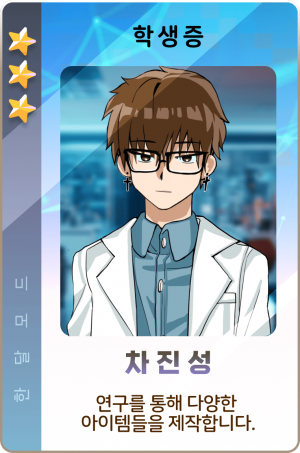
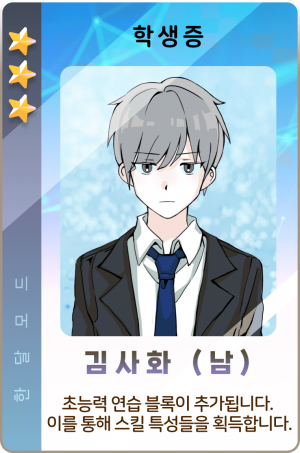
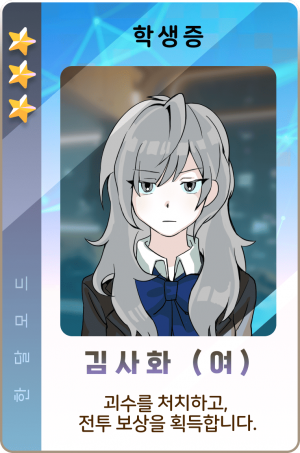
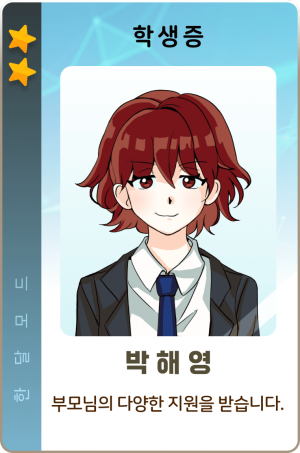
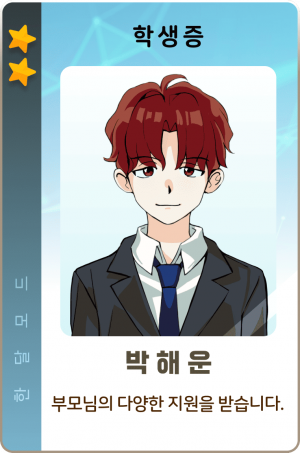
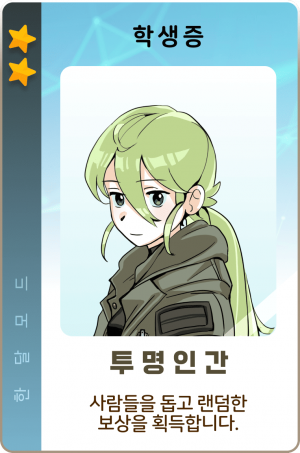
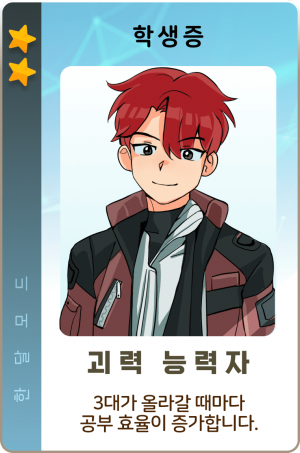
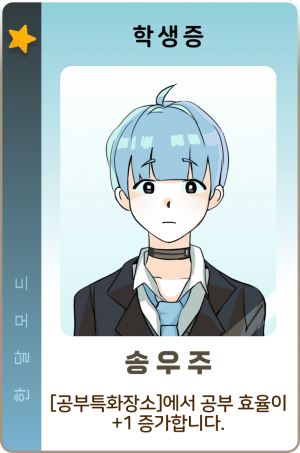
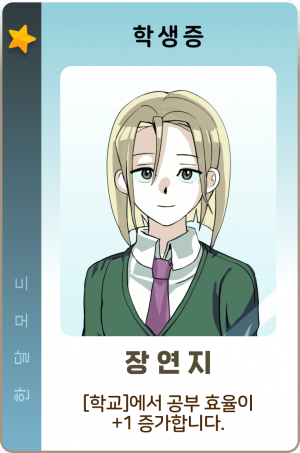
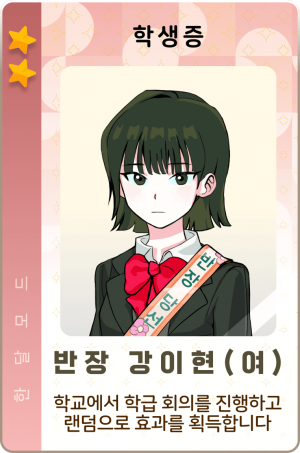
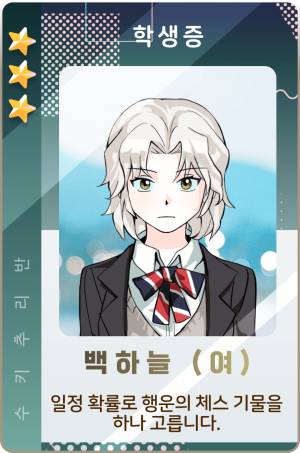
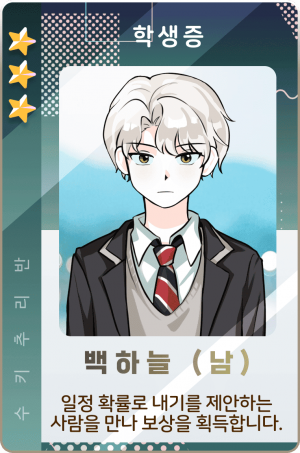
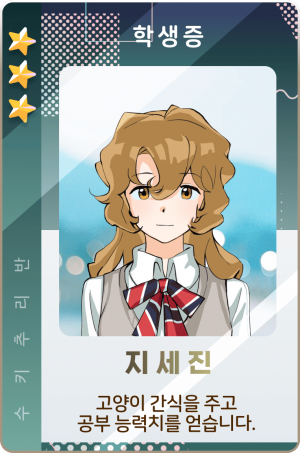
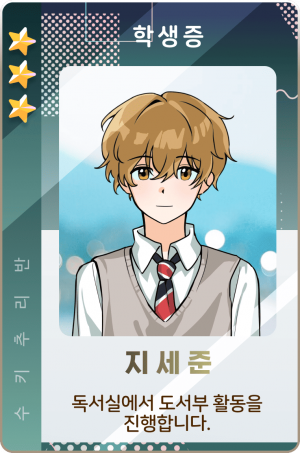
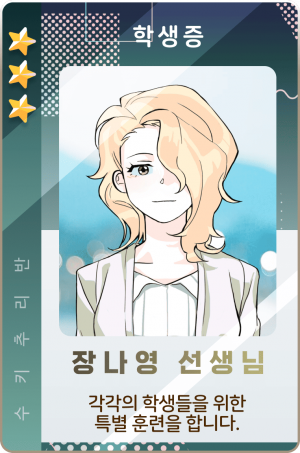

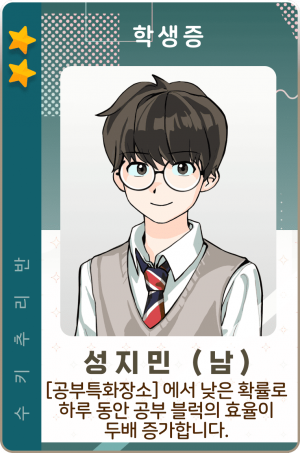
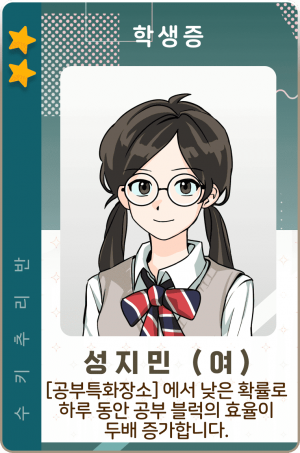
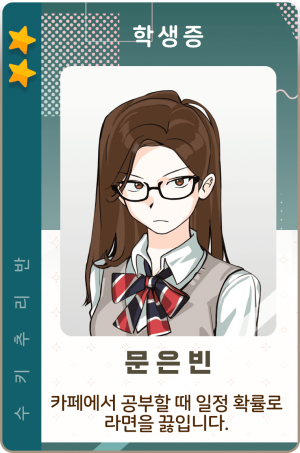
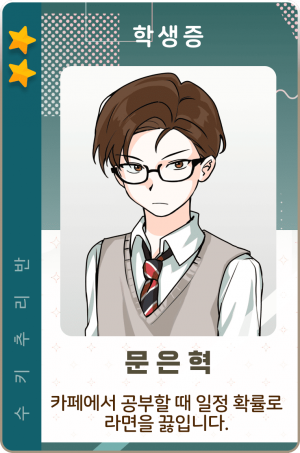
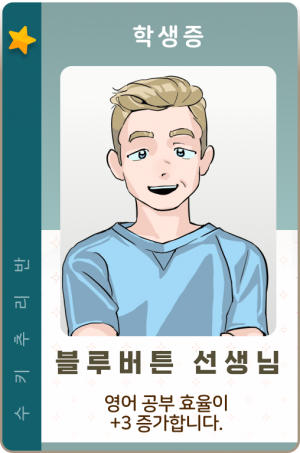
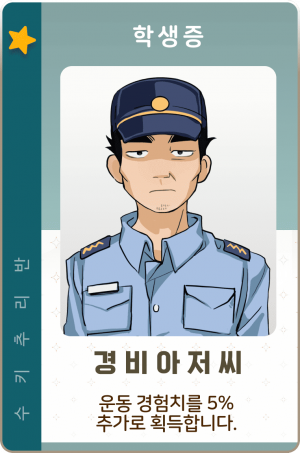
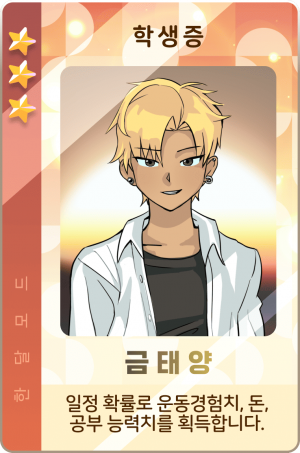
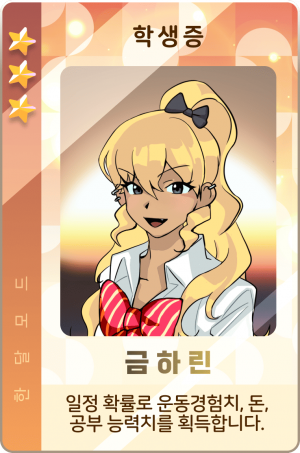
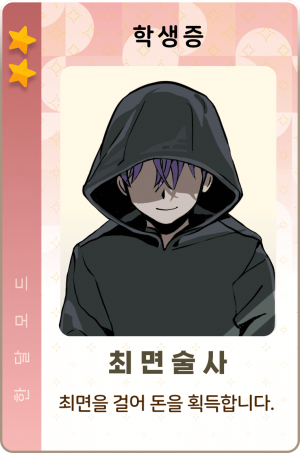
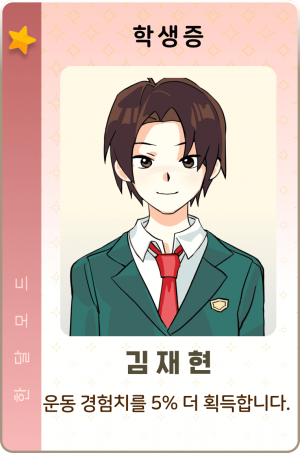
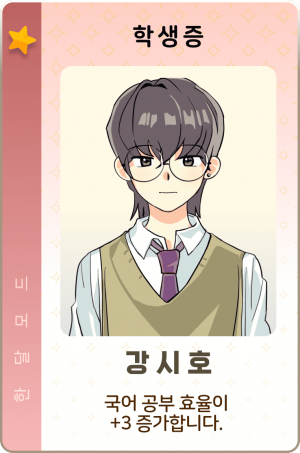
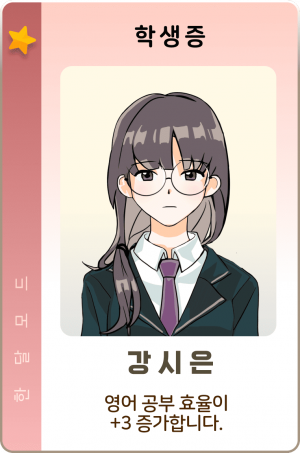
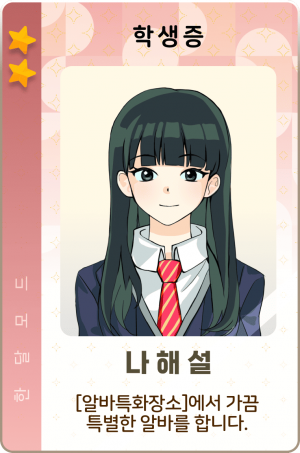
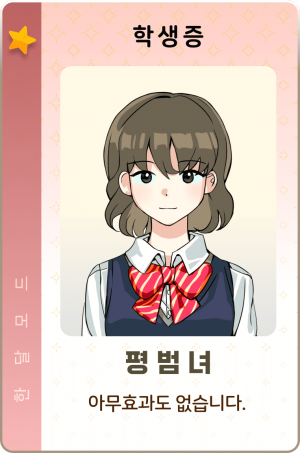
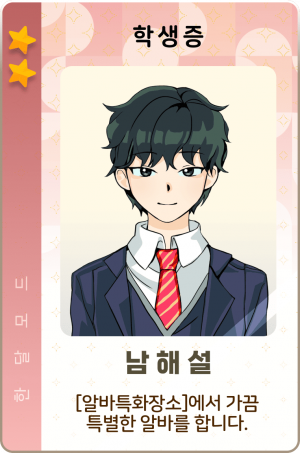
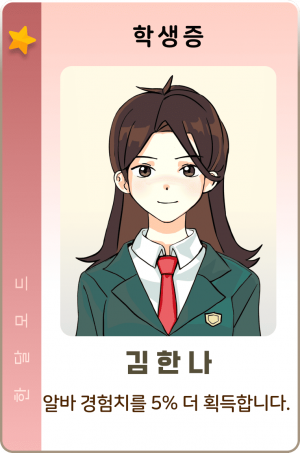
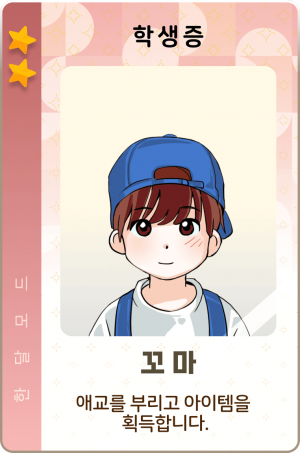

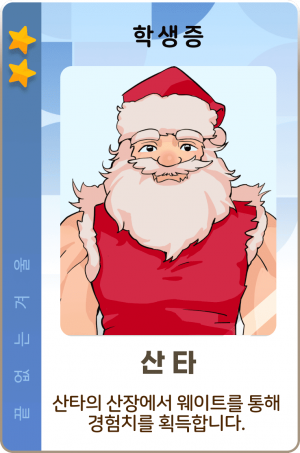
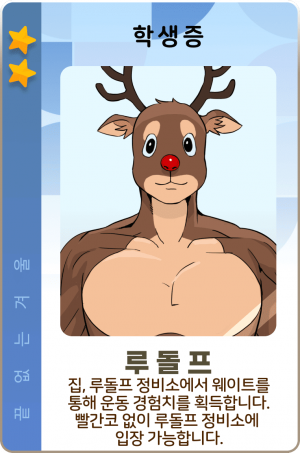
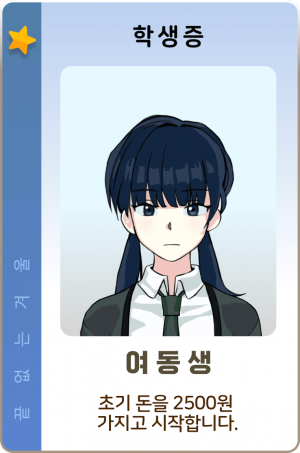

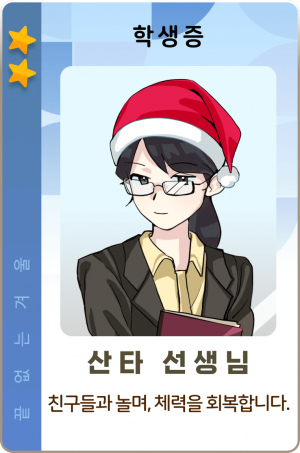


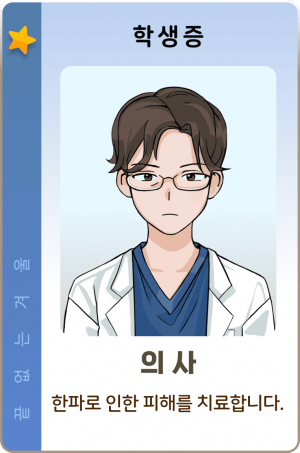
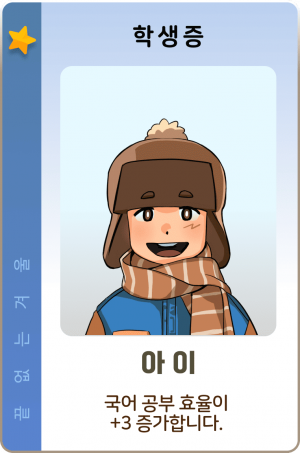
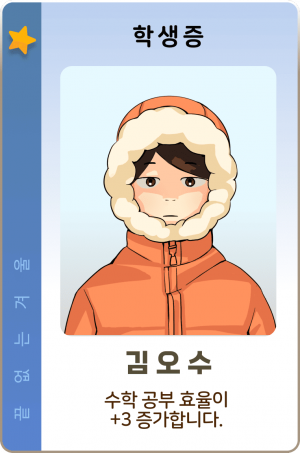
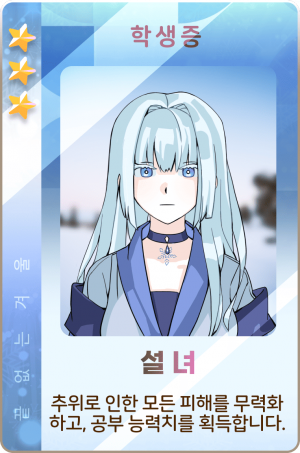
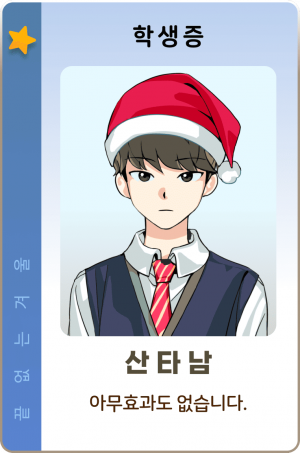
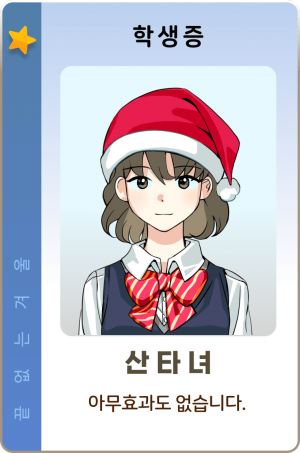
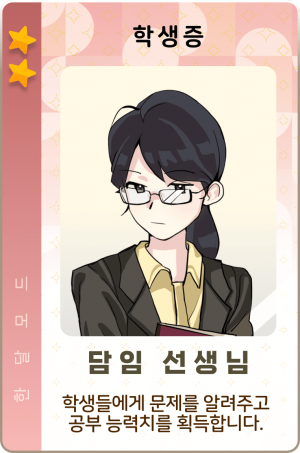
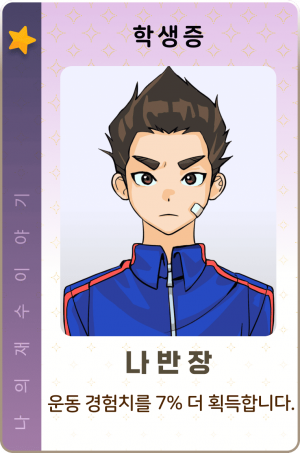
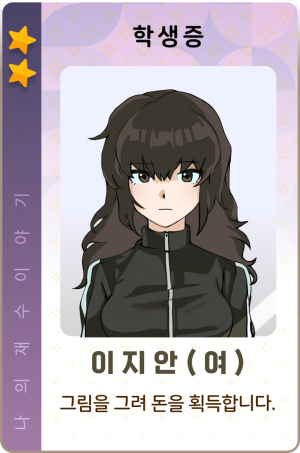
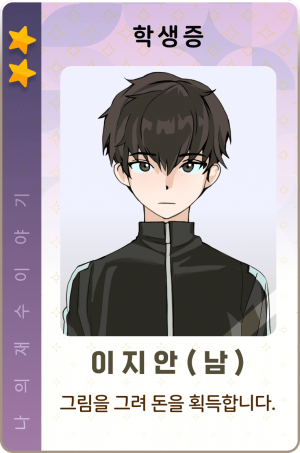
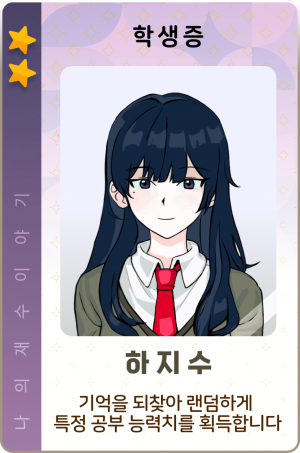
Top 수험생키우기(Student Maker), ranked by fans
No top list yet — your picks and finished rankings start it.
What a quadrant chart is for · Step by step
What a quadrant chart is for
Unlike a list, a quadrant chart lets two picks sit close together or far apart, so it shows how much better one is.
Try good against overrated, or fun against skillful, to sort images on two questions at once.
89 images, from the TierMaker template “수험생키우기(Student Maker)”.
Every pick and every finished ranking here counts toward the fans' top 수험생키우기(Student Maker).
Step by step
- Name the four ends of the axes.
- Place each pick by dragging it, or by tapping it and then the spot.
- Drag a pick off the chart to send it back.
- Download image saves a picture of your board with your name or logo on it, and Copy link shares this exact board.