
Steam Backlog alignment chart
48 images, from the TierMaker template “Steam Backlog”. Make a Steam Backlog alignment chart with your own labels on any row or column.
Drag into a cell, or tap a tile then tap a cell. Click a label to rename it

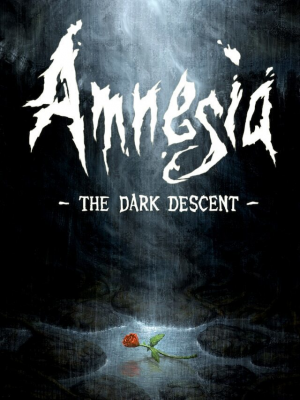

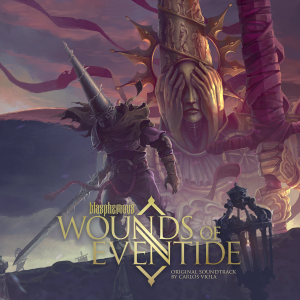




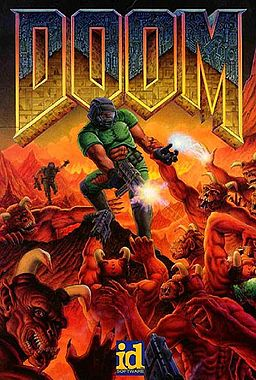




















Top Steam Backlog — November 2026
See the full top list →No top list yet this month — your picks and finished rankings start it.
What a alignment chart is for · Step by step
What a alignment chart is for
The chart comes from tabletop games, where it describes how a character behaves. Here every box can take as many picks as you like.
Swap the labels for your own pair of scales, such as hype and skill, to sort images a new way.
48 images, from the TierMaker template “Steam Backlog”.
Every pick and every finished ranking here counts toward the top Steam Backlog for November 2026.
Step by step
- Drag each pick into a box.
- Click a row or column label to rename it.
- Download image saves a picture of your board with your name or logo on it, and Copy link shares this exact board.