
Riftbound Legends ON bracket
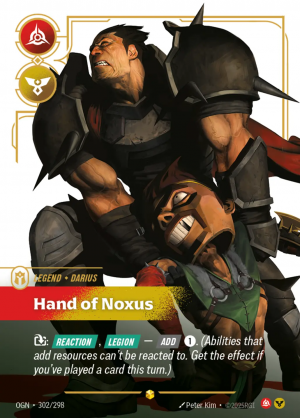
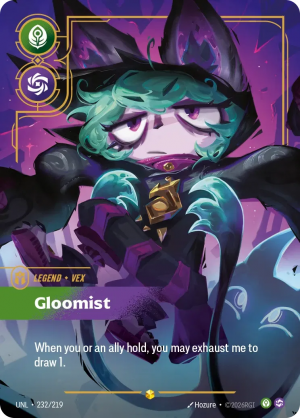
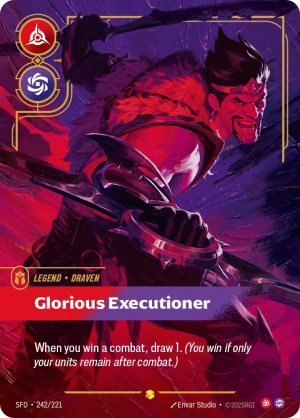
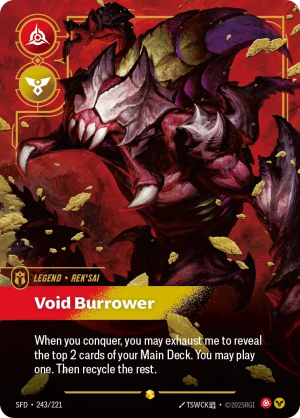
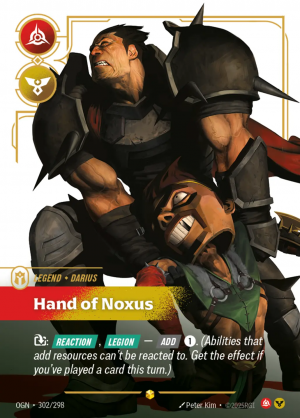
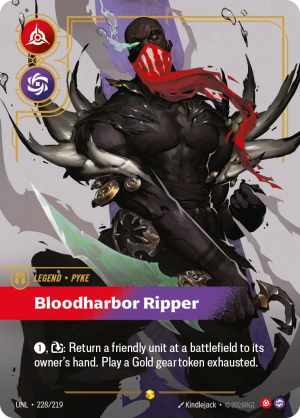
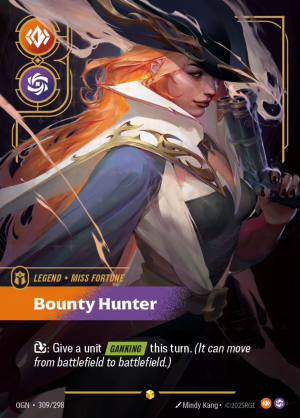
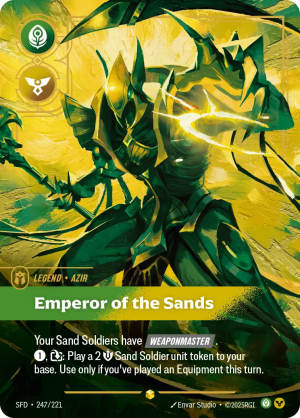
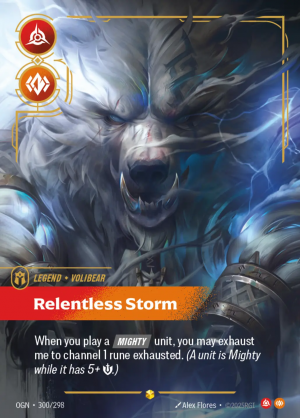
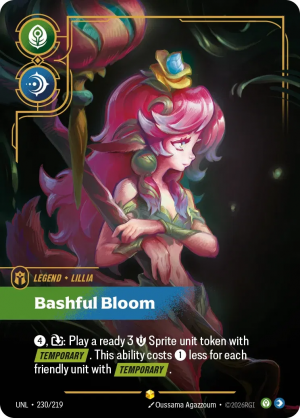
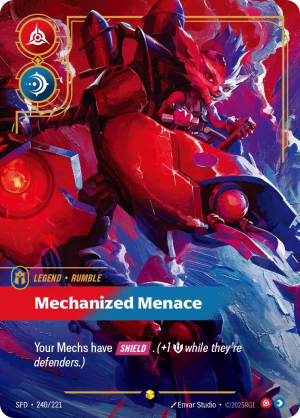
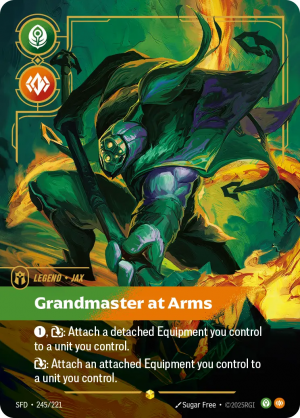
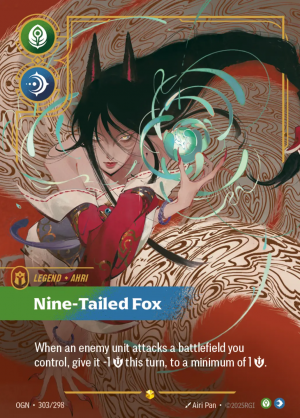
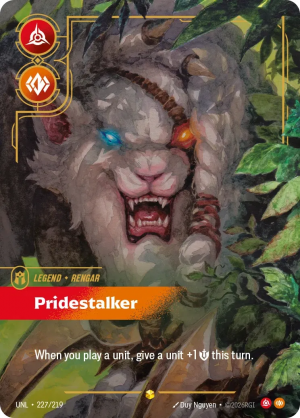
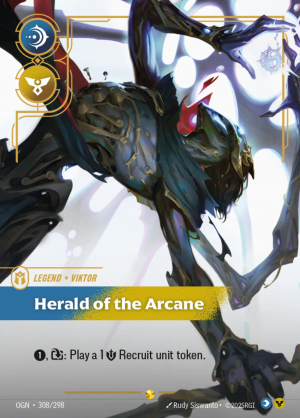
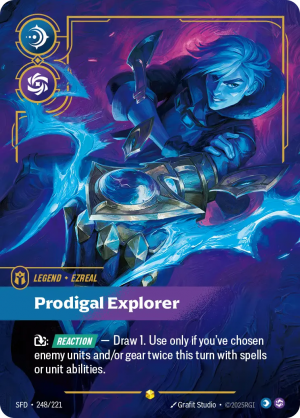
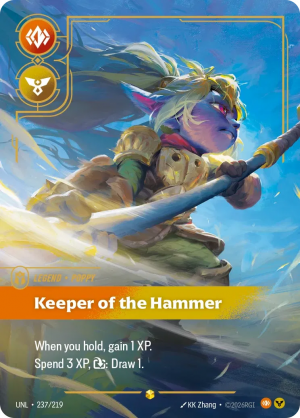
37 images, from the TierMaker template “Riftbound Legends ON”. Make a Riftbound Legends ON bracket at the size you want and choose the champion.
31 matches left
Round of 32
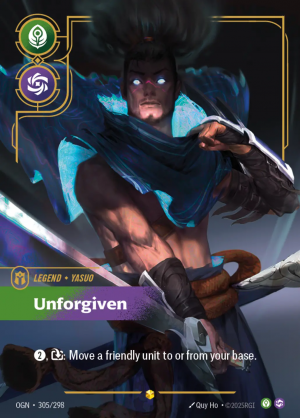
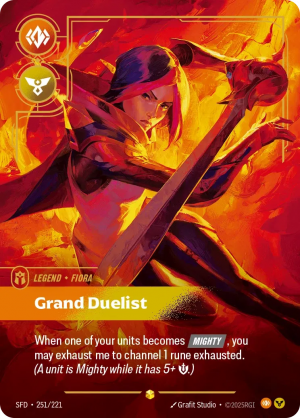
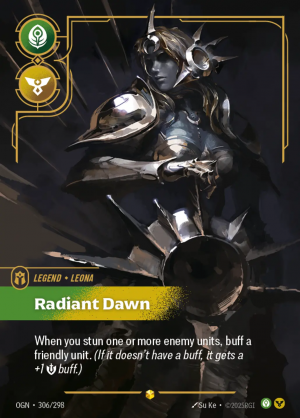
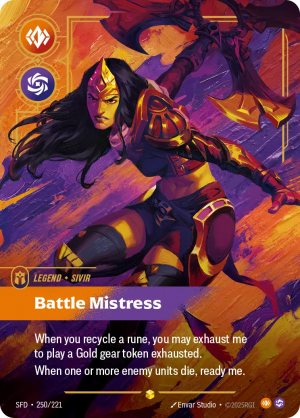
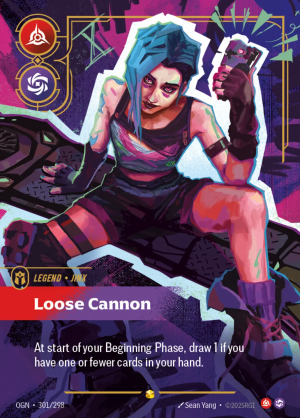
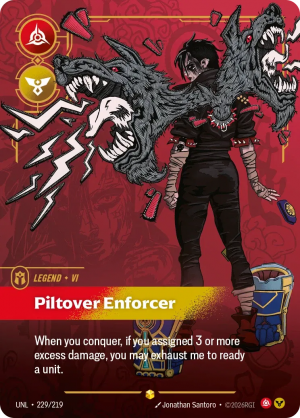
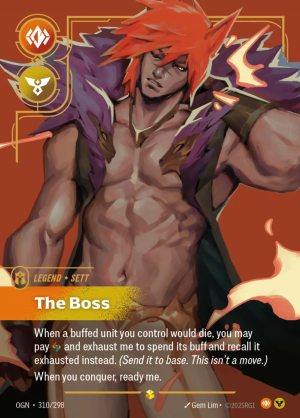
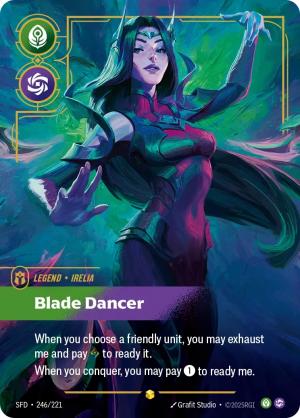
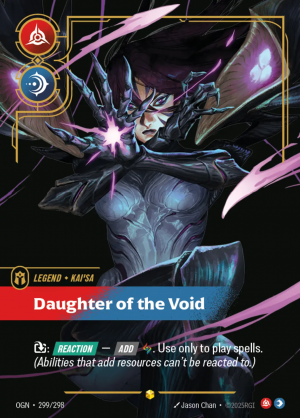
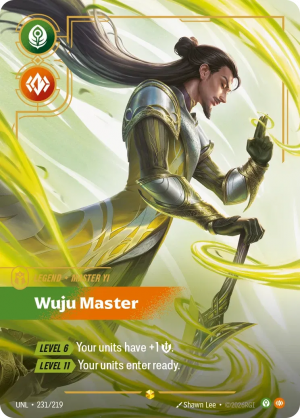
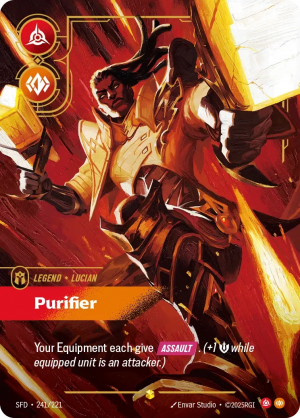
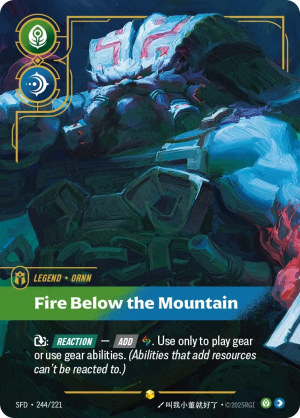
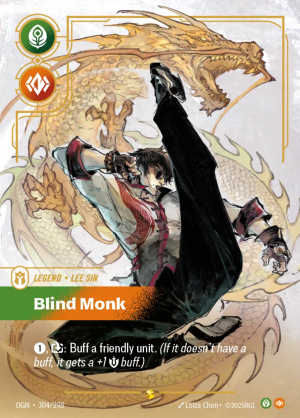
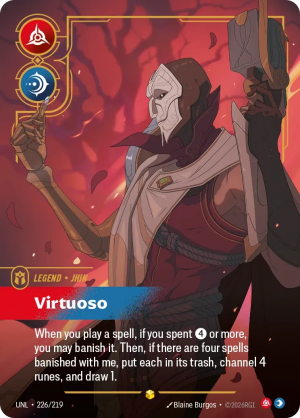
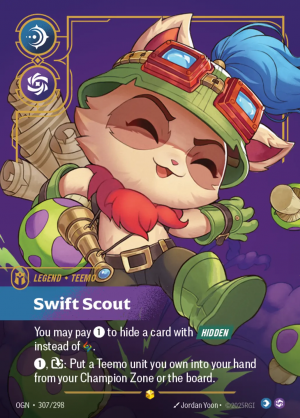
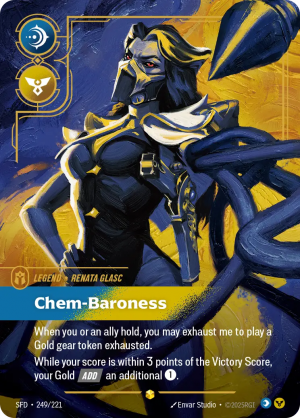
Round of 16
Quarterfinals
Semifinals
Final
Seeds
The top 32 are in. Changing seeds keeps the picks that still fit.
1#1
2#2
3#3
4#4
5#5
6#6
7#7
8#8
9#9
10#10
11#11
12#12
13#13
14#14
15#15
16#16
17#17
18#18
19#19
20#20
21#21
22#22
23#23
24#24
25#25
26#26
27#27
28#28
29#29
30#30
31#31
32#32
–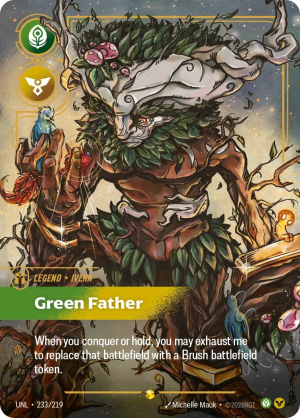 #33
–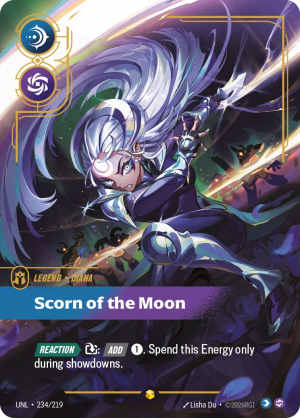 #34
–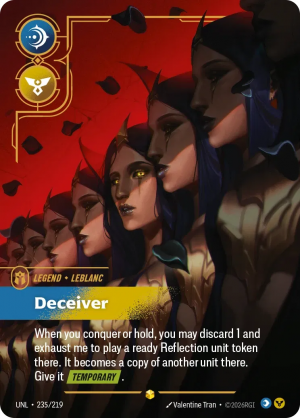 #35
–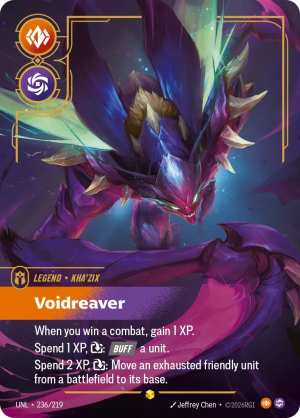 #36
– #37
Top Riftbound Legends ON, ranked by fans
No top list yet — your picks and finished rankings start it.
What a bracket is for · Step by step
What a bracket is for
Brackets pair everyone off by seed, so the top seeds only meet late in the draw.
Reorder the seeds under the bracket to set up the matchups you want to see.
37 images, from the TierMaker template “Riftbound Legends ON”.
Every pick and every finished ranking here counts toward the fans' top Riftbound Legends ON.
Step by step
- Choose a size from 4 to 64, or play all of them in groups when there are more.
- Tap the winner of each matchup, or drag them into the next round.
- Change a pick at any time; later rounds update.
- Download image saves a picture of your board with your name or logo on it, and Copy link shares this exact board.