
Red warning alignment chart
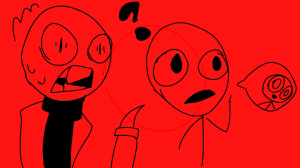
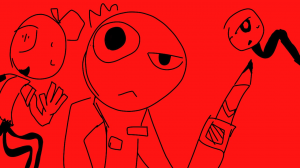
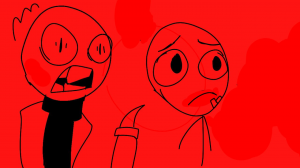
8 images, from the TierMaker template “Red warning”. Make a Red warning alignment chart with your own labels on any row or column.
Drag into a cell, or tap a tile then tap a cell. Click a label to rename it

Top Red warning — November 2026
See the full top list →No top list yet this month — your picks and finished rankings start it.
How a alignment chart works
An alignment chart has nine boxes: lawful, neutral and chaotic across the top, good, neutral and evil down the side.
Download the chart to share where everyone landed.
8 images, from the TierMaker template “Red warning”.
Every pick and every finished ranking here counts toward the top Red warning for November 2026.
How to make yours
- Drag each pick into a box.
- Click a row or column label to rename it.
- Your board stays in this browser while you work. Save it to your profile, download the picture, or share a link.
This template has 8 images: the formats that need more (9 for a Top 9 or grid, 6 for most) aren't offered.