
Pillar Chase animation set pyramid
8 images, from the TierMaker template “Pillar Chase animation set tierlist”. Stack Pillar Chase animation set into a pyramid of four to seven levels, with room for only one at the peak.
8 to place
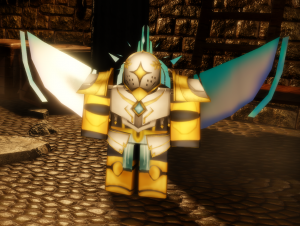
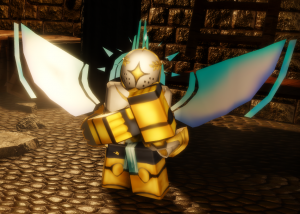
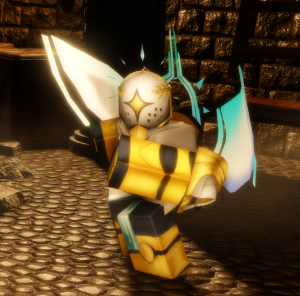
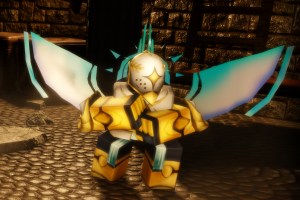
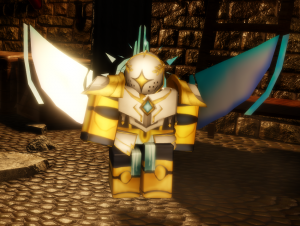
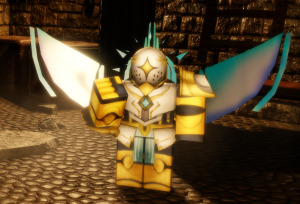
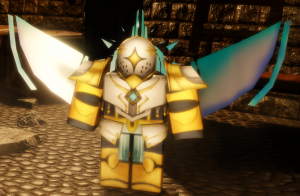
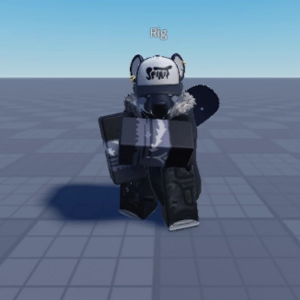
Top Pillar Chase animation set, ranked by fans
No top list yet — your picks and finished rankings start it.
What a pyramid is for · Step by step
What a pyramid is for
Every level of a pyramid has a fixed number of spots, so you have to decide who moves down when a level fills up.
Use six or seven levels for a deep image pool, or four for a quick ranking of the best.
8 images, from the TierMaker template “Pillar Chase animation set tierlist”.
Every pick and every finished ranking here counts toward the fans' top Pillar Chase animation set.
Step by step
- Drag a tile onto a level, or tap a tile and then a level.
- Change the number of levels to make the pyramid taller or shorter.
- Use the ✕ on a placed tile to send it back to the bank.
- Download image saves a picture of your board with your name or logo on it, and Copy link shares this exact board.
This template has 8 images: the formats that need more (9 for a Top 9 or grid, 6 for most) aren't offered.