
Top 9 P+ 2.0
43 images, from the TierMaker template “P+ 2.0”. Pick your top 9 P+ 2.0 and number them 1 to 9 in a 3×3 grid.
43 to choose from

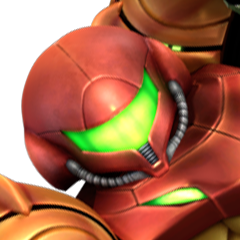

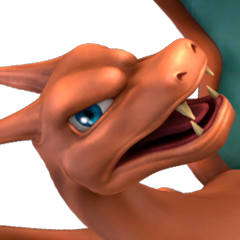









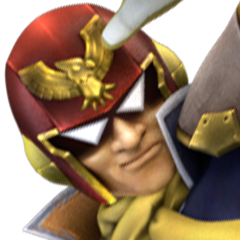




















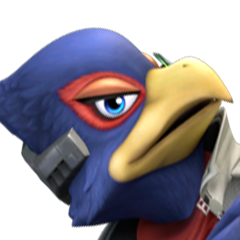







Top P+ 2.0, ranked by fans
No top list yet — your picks and finished rankings start it.
What a top 9 is for · Step by step
What a top 9 is for
The top 9 is the classic share-a-picture format: nine picks, in order, numbered from 1.
Rank by a single question, such as most rewatched or best debut, for a top 9 that says more about your taste in images.
43 images, from the TierMaker template “P+ 2.0”.
Every pick and every finished ranking here counts toward the fans' top P+ 2.0.
Step by step
- Pick a size: 9, 16 or 25.
- Place each pick in its numbered square.
- Use the ✕ on a square to clear it and choose again.
- Download image saves a picture of your board with your name or logo on it, and Copy link shares this exact board.