
Object Button tier list
10 images, from the TierMaker template “Object Button Tier List!”. Rank Object Button from S to F by dragging each one into a tier.
S
A
B
C
D
E
F
Drag a tile into a tier, or tap it then tap a tier



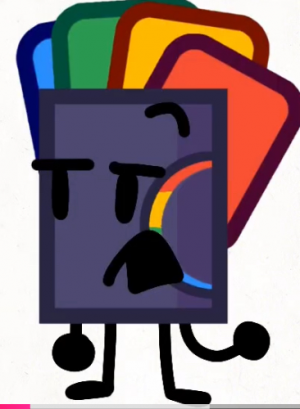



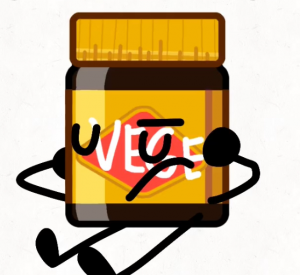


Top Object Button — November 2026
See the full top list →No top list yet this month — your picks and finished rankings start it.
About this tier list · How to use it
About this tier list
Tier lists put things in bands, so two picks can share a level without a strict 1, 2, 3 order.
Order the tiles inside a row too, so the best of each tier sits on the left.
10 images, from the TierMaker template “Object Button Tier List!”.
Every pick and every finished ranking here counts toward the top Object Button for November 2026.
How to use it
- Pick up a tile and drop it in the row it deserves.
- Add columns if you want to split the tiers by category.
- Use the ✕ on a ranked tile to send it back to the bank.
- When you're done, download the picture or copy a link that opens your board as you left it.