
Guilty Gear Strive Jump Normals grid
165 images, from the TierMaker template “Guilty Gear Strive Jump Normals”. Build a captioned Guilty Gear Strive Jump Normals grid, from 3×3 up to 5×5.
Labels
165 to choose from
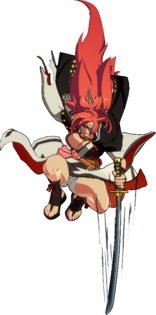
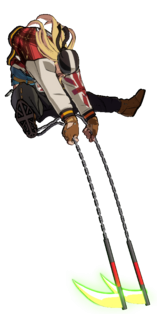
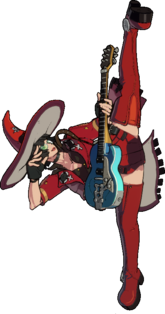
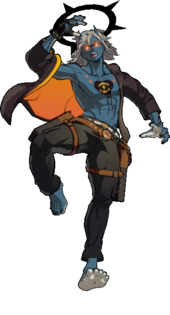
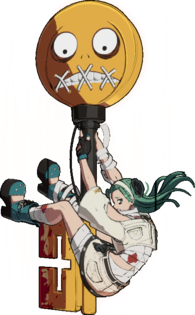
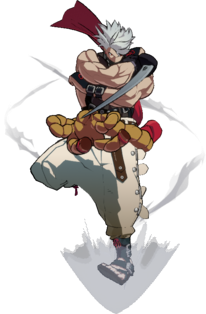
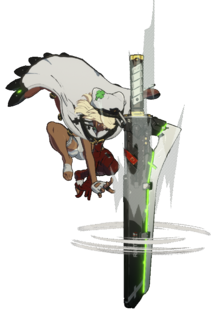

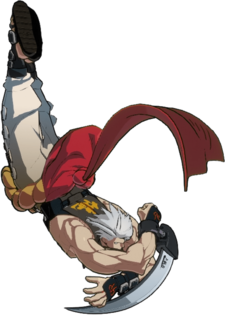
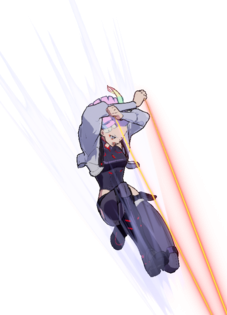
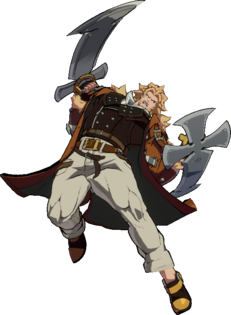
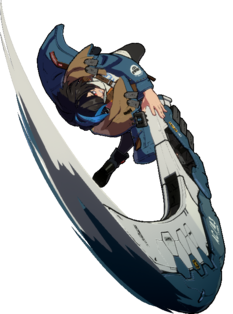
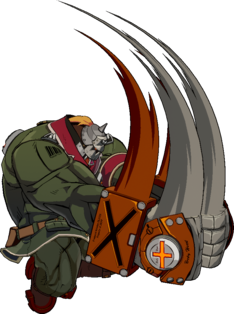
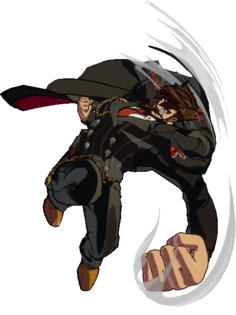
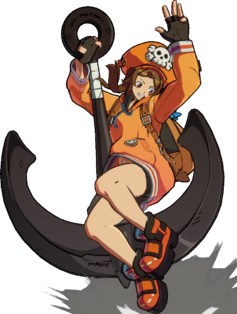
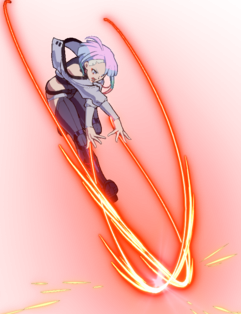
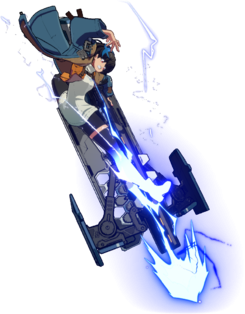
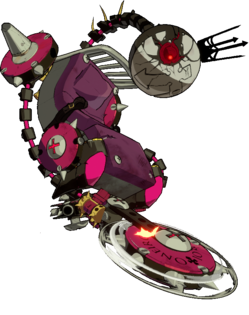
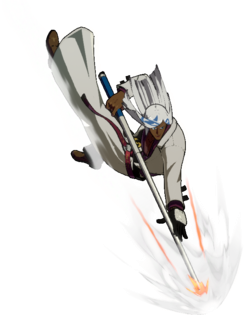
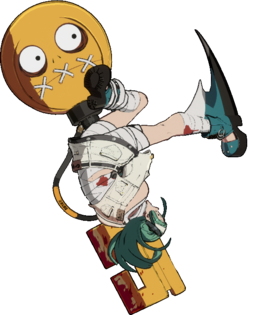
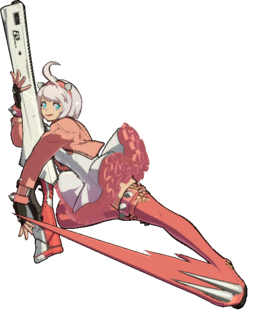
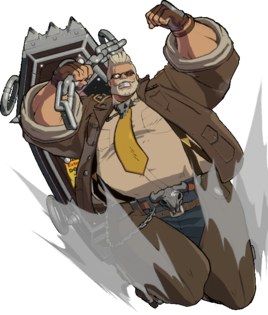
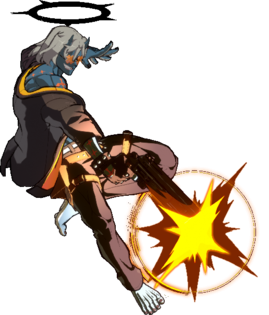
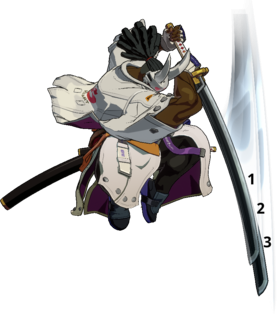
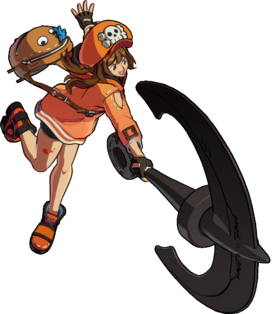
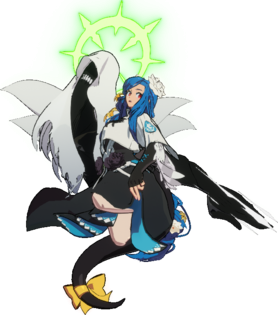
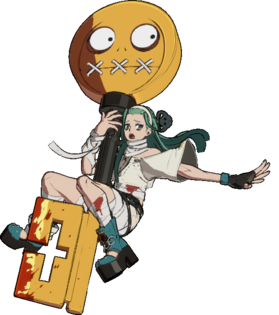
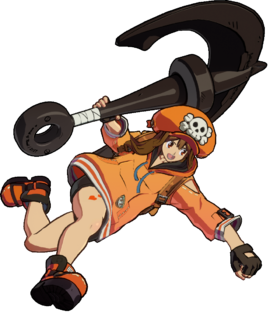
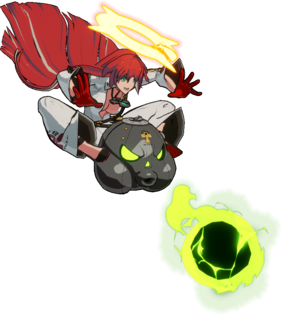
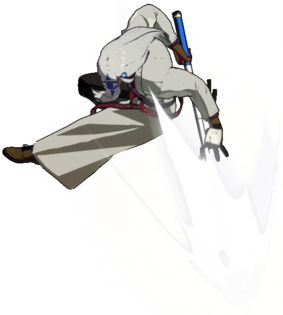
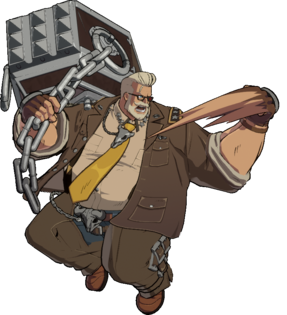
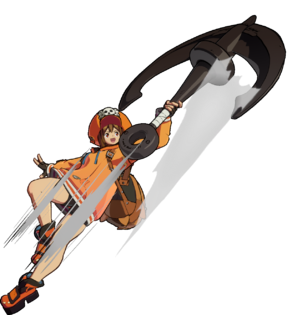
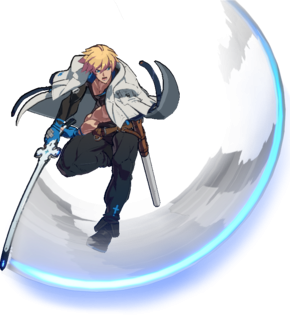
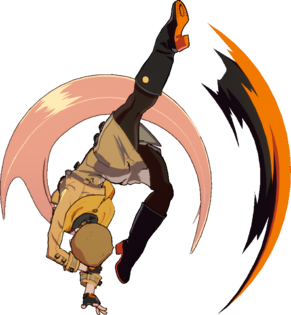
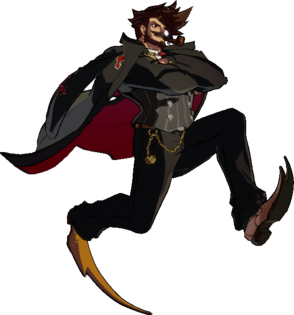
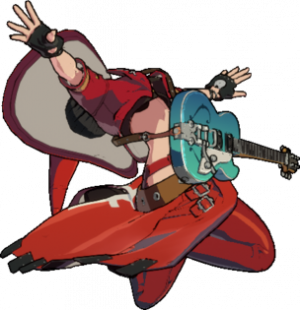
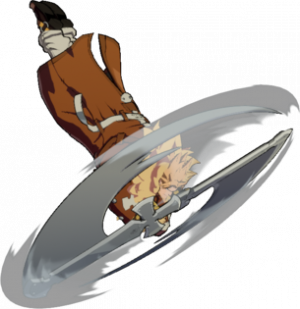

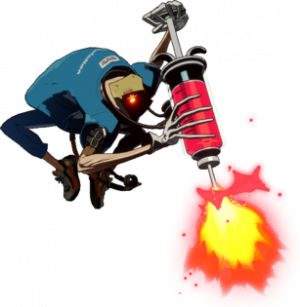
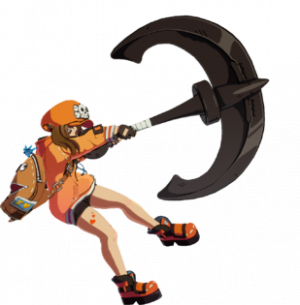
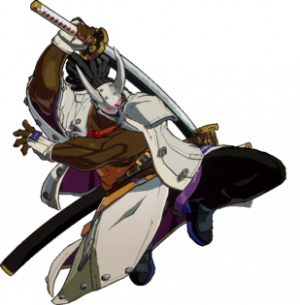
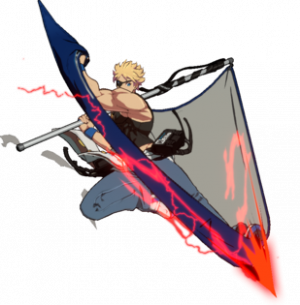
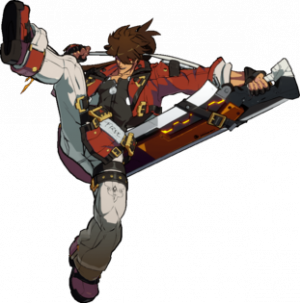
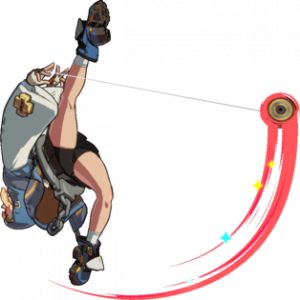
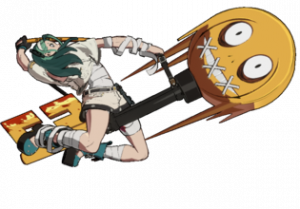
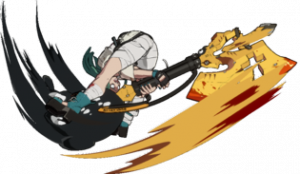
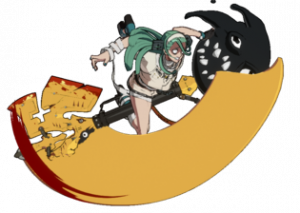
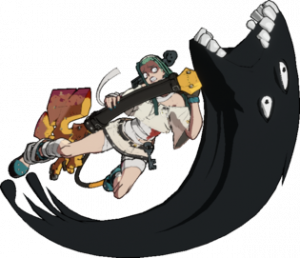
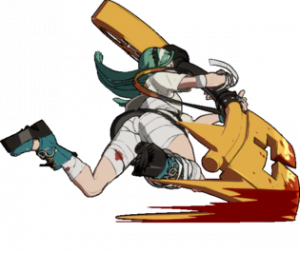


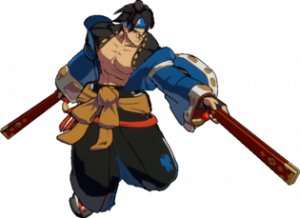


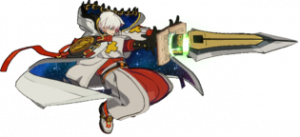



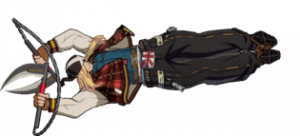
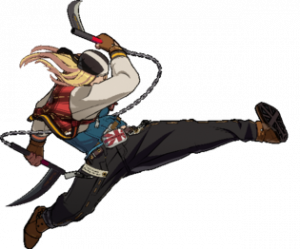
Top Guilty Gear Strive Jump Normals, ranked by fans
No top list yet — your picks and finished rankings start it.
How a grid works · How to make yours
How a grid works
A grid is a set of squares with a caption on each, such as best overall, most underrated or favorite ever.
Leave a square empty and come back to it later.
165 images, from the TierMaker template “Guilty Gear Strive Jump Normals”.
Every pick and every finished ranking here counts toward the fans' top Guilty Gear Strive Jump Normals.
How to make yours
- Pick a size, from 3×3 to 5×5.
- Click a square's label and type its category.
- Drag a pick into each square, or tap the square to choose one.
- Your board stays in this browser while you work. Save it to your profile, download the picture, or share a link.