
Green Design Pro bracket
49 images, from the TierMaker template “Green Design Pro”. Make a Green Design Pro bracket at the size you want and choose the champion.
48 matches left
Round of 64
Bye




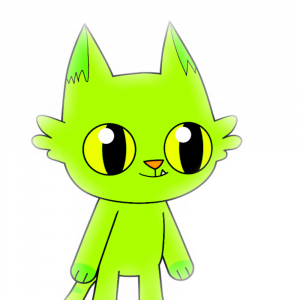
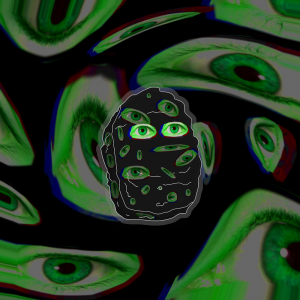
Bye


Bye


Bye


Bye


Bye


Bye

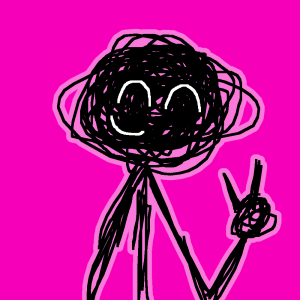
Bye


Bye


Bye


Bye


Bye


Bye


Bye


Bye


Round of 32
Round of 16
Quarterfinals
Semifinals
Final
Seeds
The top 64 are in. Changing seeds keeps the picks that still fit.
1 #1
2 #2
3 #3
4 #4
5 #5
6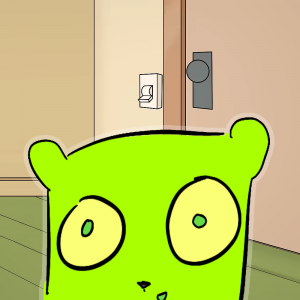 #6
7 #7
8 #8
9 #9
10 #10
11 #11
12 #12
13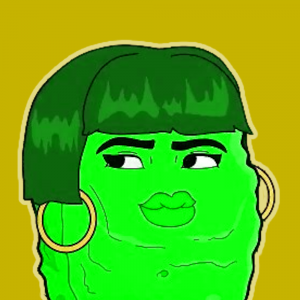 #13
14 #14
15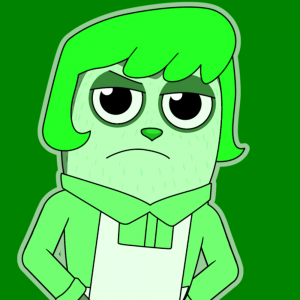 #15
16#16
17#17
18#18
19#19
20#20
21#21
22#22
23#23
24#24
25#25
26#26
27#27
28#28
29#29
30#30
31#31
32#32
33#33
34#34
35#35
36#36
37#37
38#38
39#39
40#40
41#41
42#42
43#43
44#44
45#45
46#46
47#47
48#48
49#49
Top Green Design Pro — November 2026
No top list yet this month — your picks and finished rankings start it.
What a bracket is for · Step by step
What a bracket is for
Brackets pair everyone off by seed, so the top seeds only meet late in the draw.
Reorder the seeds under the bracket to set up the matchups you want to see.
49 images, from the TierMaker template “Green Design Pro”.
Every pick and every finished ranking here counts toward the top Green Design Pro for November 2026.
Step by step
- Choose a size from 4 to 64, or play all of them in groups when there are more.
- Tap the winner of each matchup, or drag them into the next round.
- Change a pick at any time; later rounds update.
- Download image saves a picture of your board with your name or logo on it, and Copy link shares this exact board.