
Every Icon for PC2s InGame, Upcoming, and Unconfirm Monsters tier list
27 images, from the TierMaker template “Every Icon for PC2s InGame, Upcoming, and Unconfirm Monsters”. Drag Every Icon for PC2s InGame, Upcoming, and Unconfirm Monsters into S, A, B, C, D and F rows, then rename or recolor any row.
Place at least 10 to submit your ranking (0 so far).
Save to my profile keeps it to come back to and keep ranking. Submit your ranking adds it to this month's top list.
S
A
B
C
D
E
F
Drag a tile into a tier, or tap it then tap a tier
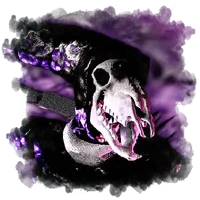

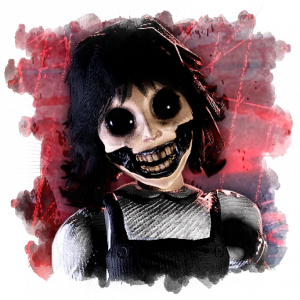


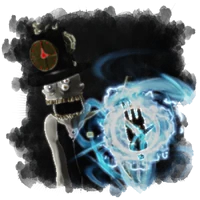
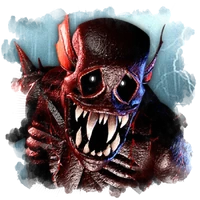


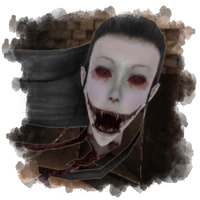
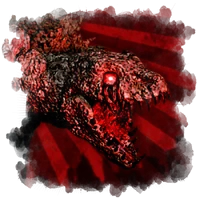



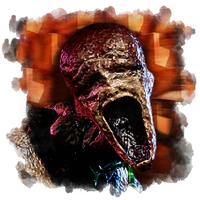



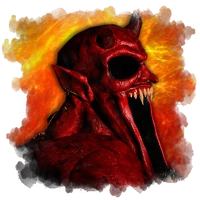
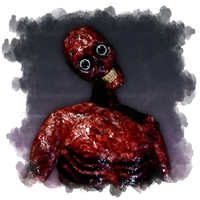

Top Every Icon for PC2s InGame, Upcoming, and Unconfirm Monsters — November 2026
See the full top list →No top list yet this month — your picks and finished rankings start it.
What a tier list is for
Each row of a tier list is a grade. The S row holds the very best, and each row below holds a little less.
Add columns to split each tier, for example by era or role, and compare images side by side.
27 images, from the TierMaker template “Every Icon for PC2s InGame, Upcoming, and Unconfirm Monsters”.
Every pick and every finished ranking here counts toward the top Every Icon for PC2s InGame, Upcoming, and Unconfirm Monsters for November 2026.
Step by step
- Pick up a tile and drop it in the row it deserves.
- Add columns if you want to split the tiers by category.
- Use the ✕ on a ranked tile to send it back to the bank.
- Download image saves a picture of your board with your name or logo on it, and Copy link shares this exact board.