
DOORS: All Updates tier list
25 images, from the TierMaker template “DOORS: All Updates”. Sort DOORS: All Updates into tiers, from S at the top down to F.
S
A
B
C
D
E
F
25 to rank


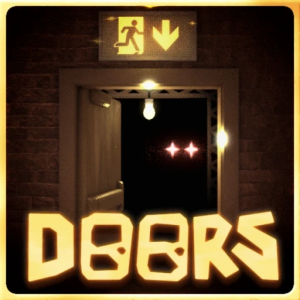
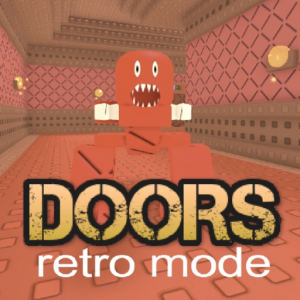
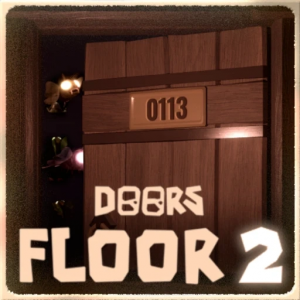
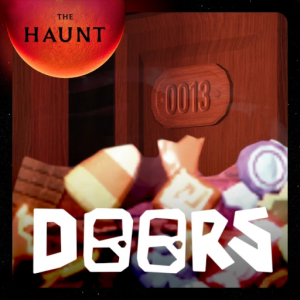














Top DOORS: All Updates, ranked by fans
No top list yet — your picks and finished rankings start it.
About this tier list · How to use it
About this tier list
Tier lists put things in bands, so two picks can share a level without a strict 1, 2, 3 order.
Order the tiles inside a row too, so the best of each tier sits on the left.
25 images, from the TierMaker template “DOORS: All Updates”.
Every pick and every finished ranking here counts toward the fans' top DOORS: All Updates.
How to use it
- Drag each tile into a tier, or tap a tile and then tap a row.
- Move tiles within a row to rank inside the tier.
- Open a row's settings to rename it, recolor it or add a row next to it.
- When you're done, download the picture or copy a link that opens your board as you left it.