
Deadlock Portraits quadrant chart
44 images, from the TierMaker template “Deadlock Portraits”. Make a Deadlock Portraits quadrant chart: label the four ends, then drag each pick into place.
Canvas
Pictures100%
32 to place
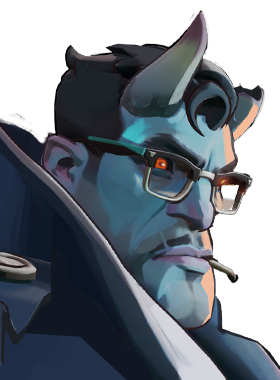
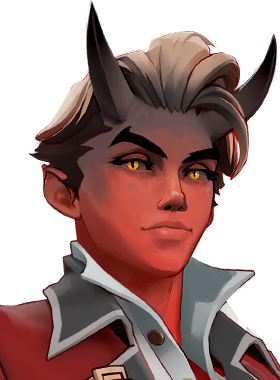

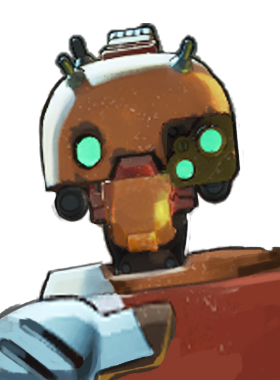
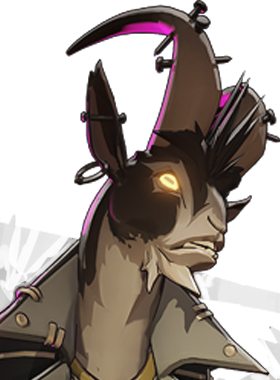
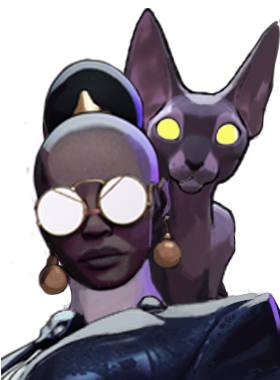

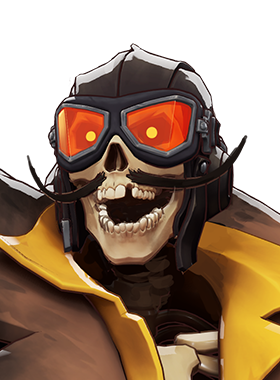
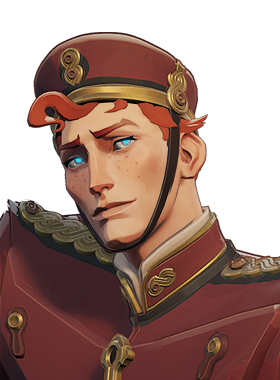
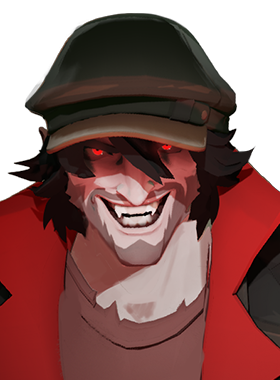

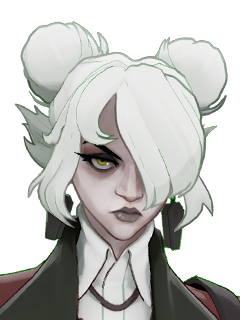
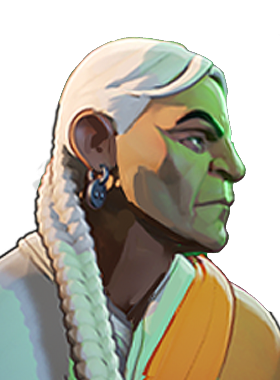
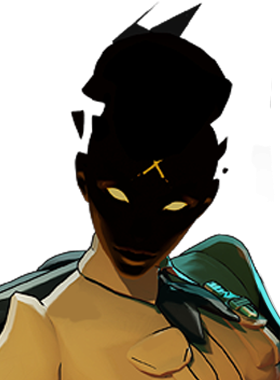



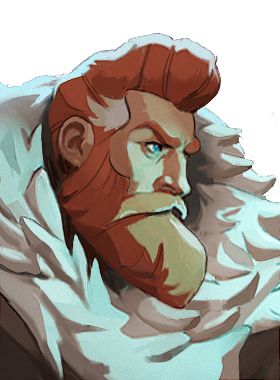
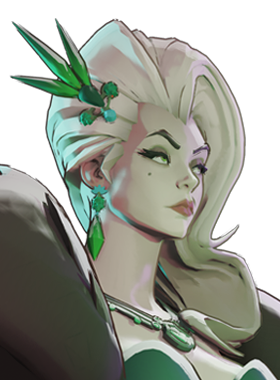




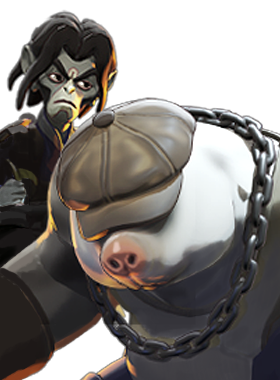



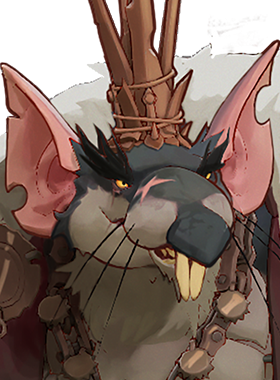
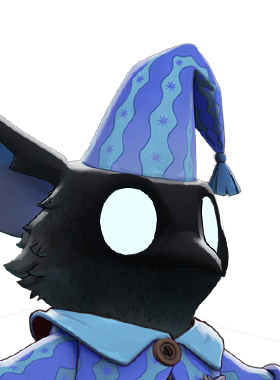
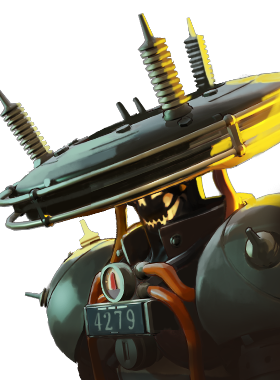

Top Deadlock Portraits — November 2026
- 1
 #33
- 2
 #36
- 3
 #37
- 4
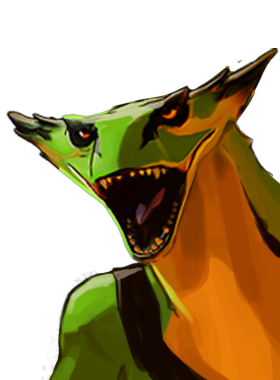 #41
- 5#17
About this quadrant chart · How to use it
About this quadrant chart
Each of the four ends has a label you can rewrite, so one chart can compare almost anything.
Pick a bigger canvas or smaller pictures when you have a lot to place.
44 images, from the TierMaker template “Deadlock Portraits”.
Every pick and every finished ranking here counts toward the top Deadlock Portraits for November 2026.
How to use it
- Name the four ends of the axes.
- Place each pick by dragging it, or by tapping it and then the spot.
- Drag a pick off the chart to send it back.
- When you're done, download the picture or copy a link that opens your board as you left it.