
CS2 AWP SKINS alignment chart
41 images, from the TierMaker template “CS2 AWP SKINS”. Decide which CS2 AWP SKINS are lawful, neutral or chaotic, and good, neutral or evil.
41 to place
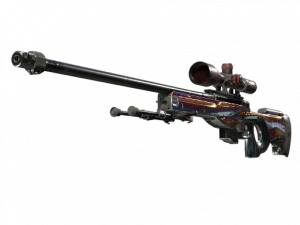
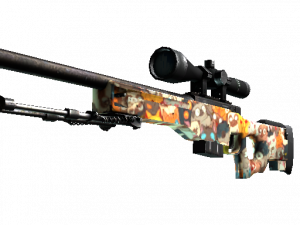
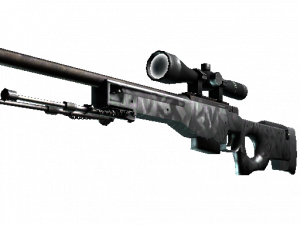
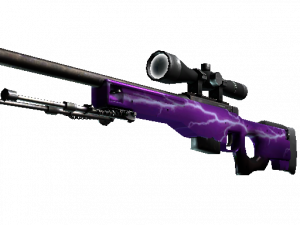
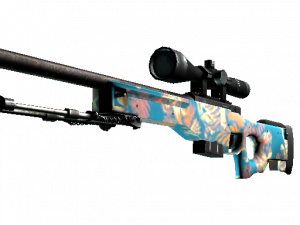
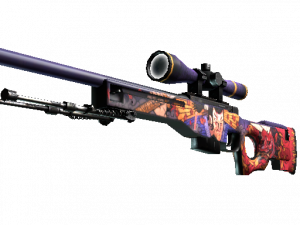
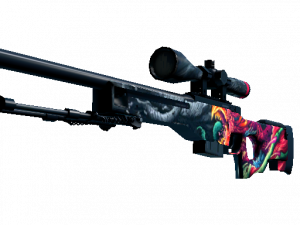
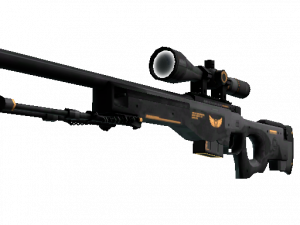
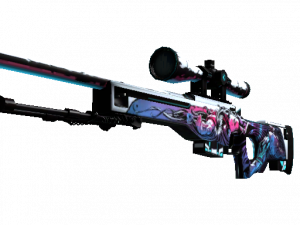
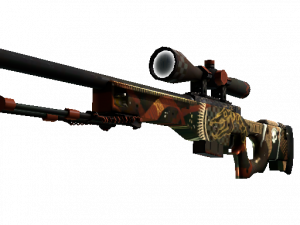
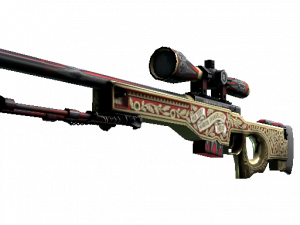
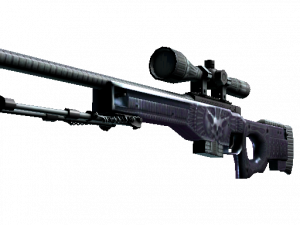
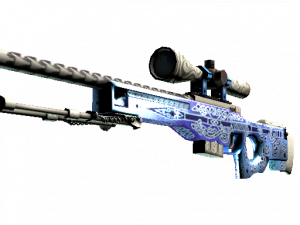
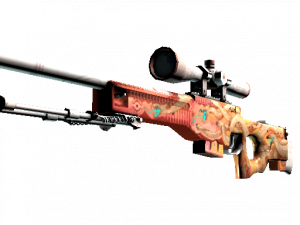
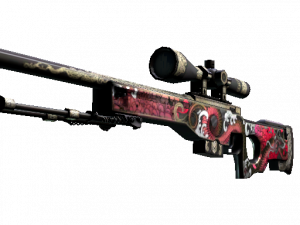
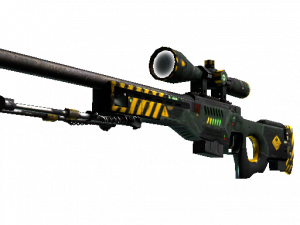
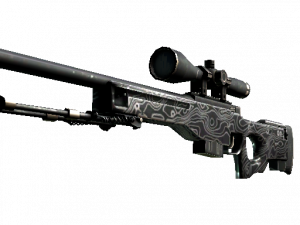
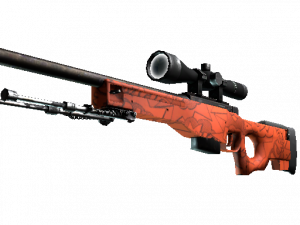
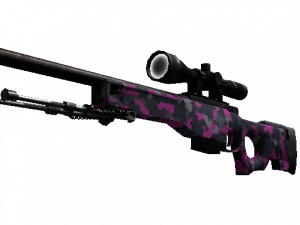
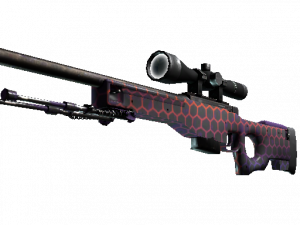
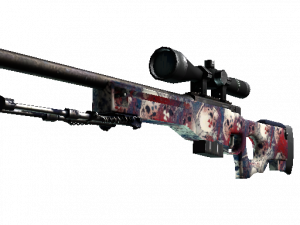
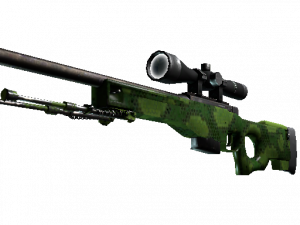
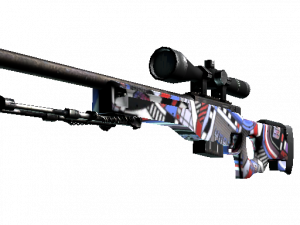
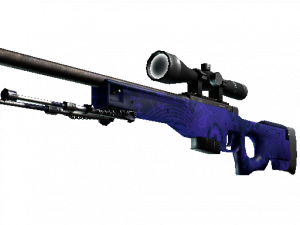
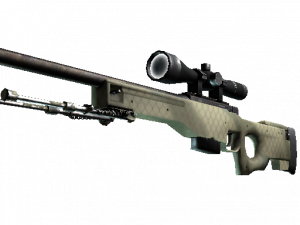
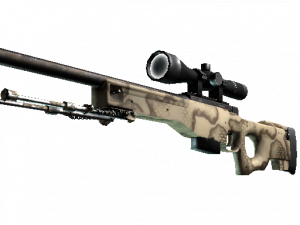
Top CS2 AWP SKINS, ranked by fans
No top list yet — your picks and finished rankings start it.
What a alignment chart is for · Step by step
What a alignment chart is for
The chart comes from tabletop games, where it describes how a character behaves. Here every box can take as many picks as you like.
Swap the labels for your own pair of scales, such as hype and skill, to sort images a new way.
41 images, from the TierMaker template “CS2 AWP SKINS”.
Every pick and every finished ranking here counts toward the fans' top CS2 AWP SKINS.
Step by step
- Pick a box for each one, by dragging or by tapping the pick and then the box.
- Change the labels at any time; the picks stay where they are.
- Download image saves a picture of your board with your name or logo on it, and Copy link shares this exact board.