
Clockeye’s Funny Funhouse grid
9 images, from the TierMaker template “Clockeye’s Funny Funhouse”. Fill a photo grid with Clockeye’s Funny Funhouse and caption every square however you like.
Labels
9 to choose from
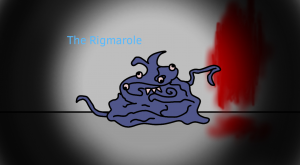
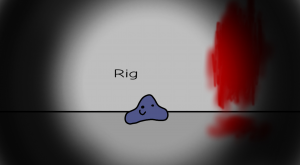
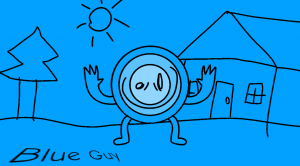

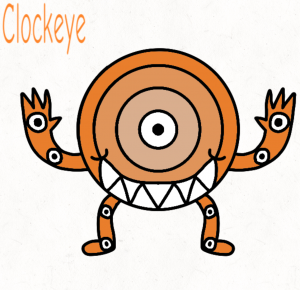
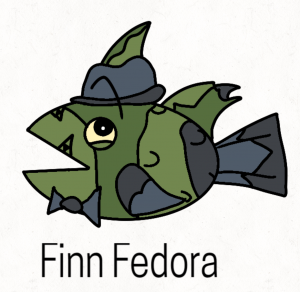

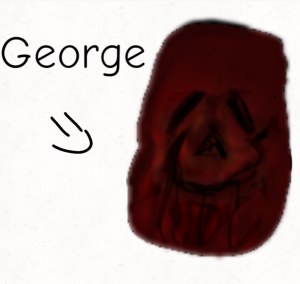
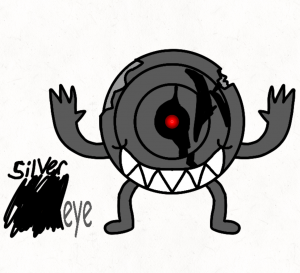
Top Clockeye’s Funny Funhouse, ranked by fans
No top list yet — your picks and finished rankings start it.
What a grid is for · Step by step
What a grid is for
Every square in the grid has its own category, which you write, and one pick that fits it.
Write categories that start arguments, like most overrated or best in a big moment, and see which image fits each.
9 images, from the TierMaker template “Clockeye’s Funny Funhouse”.
Every pick and every finished ranking here counts toward the fans' top Clockeye’s Funny Funhouse.
Step by step
- Pick a size, from 3×3 to 5×5.
- Click a square's label and type its category.
- Drag a pick into each square, or tap the square to choose one.
- Download image saves a picture of your board with your name or logo on it, and Copy link shares this exact board.