
Cartoon Network grid
20 images, from the TierMaker template “Cartoon Network”. Build a captioned Cartoon Network grid, from 3×3 up to 5×5.
20 to choose from · drag into a square, or tap a tile then a square
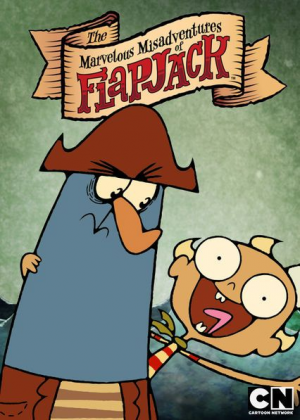
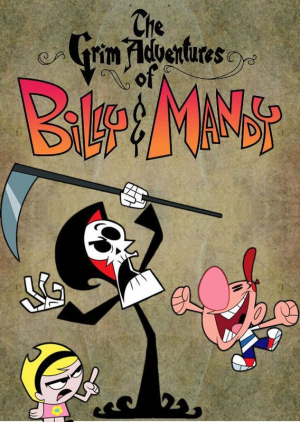
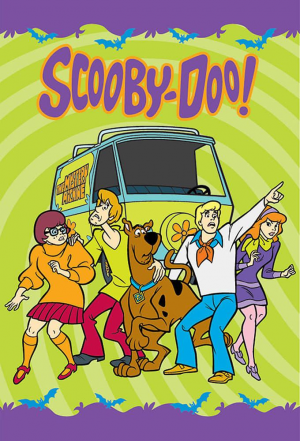

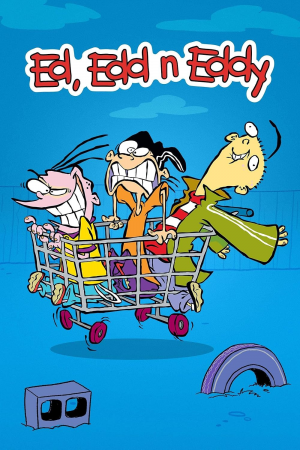
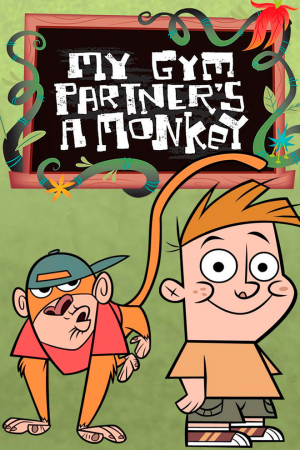


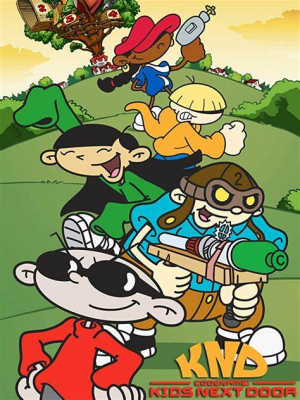
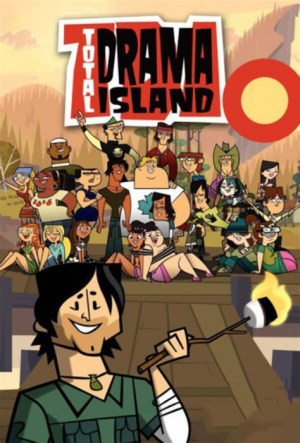
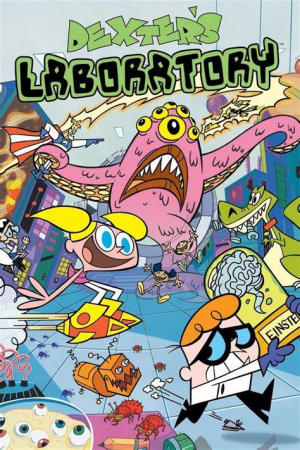

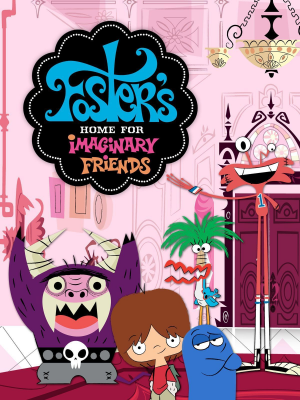
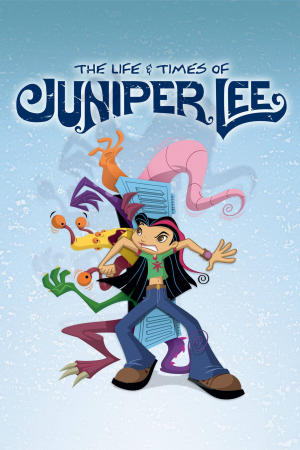
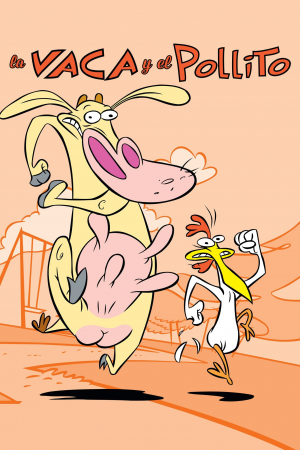

Top Cartoon Network — November 2026
See the full top list →No top list yet this month — your picks and finished rankings start it.
How a grid works
A grid is a set of squares with a caption on each, such as best overall, most underrated or favorite ever.
Leave a square empty and come back to it later.
20 images, from the TierMaker template “Cartoon Network”.
Every pick and every finished ranking here counts toward the top Cartoon Network for November 2026.
How to make yours
- Pick a size, from 3×3 to 5×5.
- Click a square's label and type its category.
- Drag a pick into each square, or tap the square to choose one.
- Your board stays in this browser while you work. Save it to your profile, download the picture, or share a link.