
𝑩𝒍𝒐𝒙𝒇𝒊𝒆𝒍𝒅𝒕𝒐𝒏 𝑺𝒖𝒎𝒎𝒆𝒓 𝑪𝒂𝒎𝒑 pyramid
94 images, from the TierMaker template “𝑩𝒍𝒐𝒙𝒇𝒊𝒆𝒍𝒅𝒕𝒐𝒏 𝑺𝒖𝒎𝒎𝒆𝒓 𝑪𝒂𝒎𝒑”. Stack 𝑩𝒍𝒐𝒙𝒇𝒊𝒆𝒍𝒅𝒕𝒐𝒏 𝑺𝒖𝒎𝒎𝒆𝒓 𝑪𝒂𝒎𝒑 into a pyramid of four to seven levels, with room for only one at the peak.
94 to place


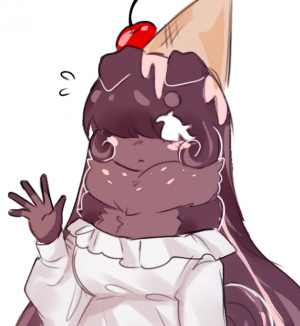
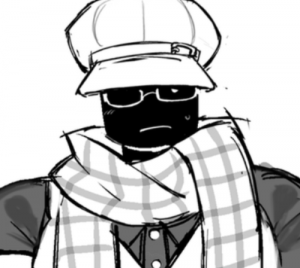



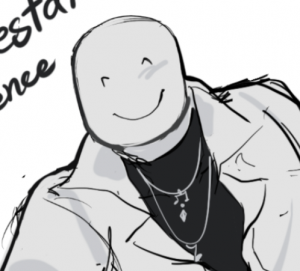

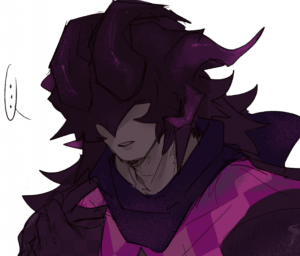












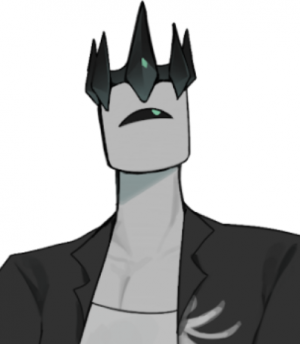




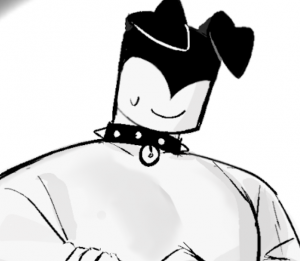
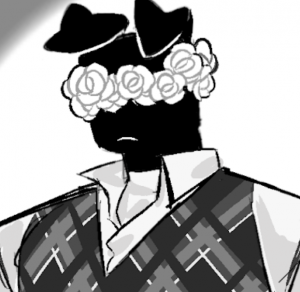


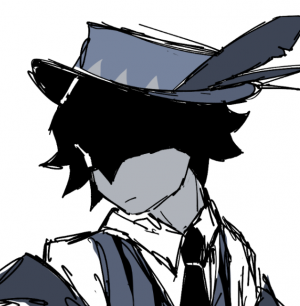
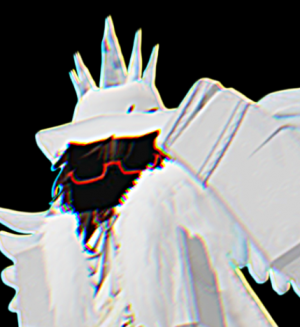



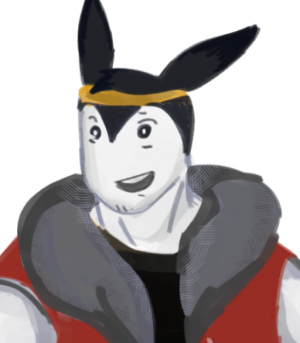


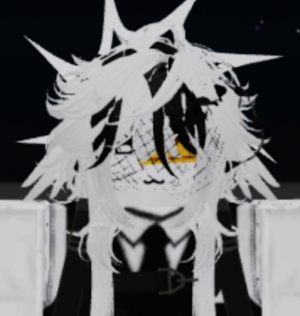
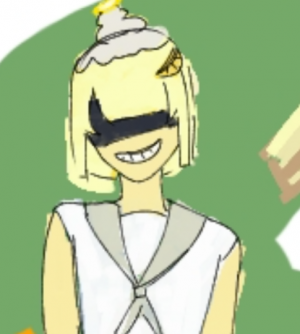











Top 𝑩𝒍𝒐𝒙𝒇𝒊𝒆𝒍𝒅𝒕𝒐𝒏 𝑺𝒖𝒎𝒎𝒆𝒓 𝑪𝒂𝒎𝒑, ranked by fans
No top list yet — your picks and finished rankings start it.
What a pyramid is for · Step by step
What a pyramid is for
Every level of a pyramid has a fixed number of spots, so you have to decide who moves down when a level fills up.
Use six or seven levels for a deep image pool, or four for a quick ranking of the best.
94 images, from the TierMaker template “𝑩𝒍𝒐𝒙𝒇𝒊𝒆𝒍𝒅𝒕𝒐𝒏 𝑺𝒖𝒎𝒎𝒆𝒓 𝑪𝒂𝒎𝒑”.
Every pick and every finished ranking here counts toward the fans' top 𝑩𝒍𝒐𝒙𝒇𝒊𝒆𝒍𝒅𝒕𝒐𝒏 𝑺𝒖𝒎𝒎𝒆𝒓 𝑪𝒂𝒎𝒑.
Step by step
- Drag a tile onto a level, or tap a tile and then a level.
- Change the number of levels to make the pyramid taller or shorter.
- Use the ✕ on a placed tile to send it back to the bank.
- Download image saves a picture of your board with your name or logo on it, and Copy link shares this exact board.