
𝙳𝚊𝚗𝚐𝚊𝚗𝚛𝚘𝚗𝚙𝚊 / 𝚆𝚎𝚕𝚌𝚘𝚖𝚎 𝚝𝚘 𝚝𝚑𝚎 𝚗𝚎𝚠 grid
30 images, from the TierMaker template “𝙳𝚊𝚗𝚐𝚊𝚗𝚛𝚘𝚗𝚙𝚊 / 𝚆𝚎𝚕𝚌𝚘𝚖𝚎 𝚝𝚘 𝚝𝚑𝚎 𝚗𝚎𝚠”. Build a captioned 𝙳𝚊𝚗𝚐𝚊𝚗𝚛𝚘𝚗𝚙𝚊 / 𝚆𝚎𝚕𝚌𝚘𝚖𝚎 𝚝𝚘 𝚝𝚑𝚎 𝚗𝚎𝚠 grid, from 3×3 up to 5×5.
Labels
30 to choose from



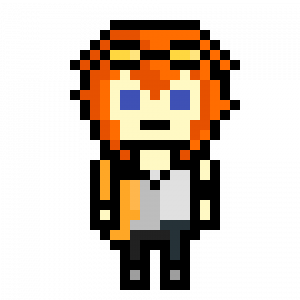

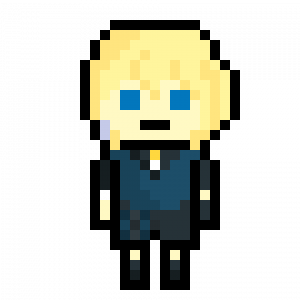


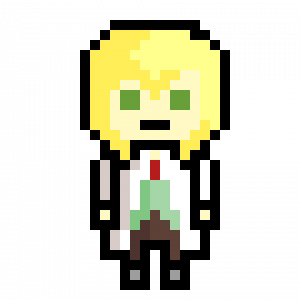
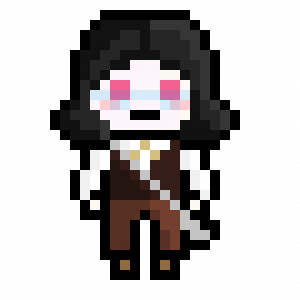


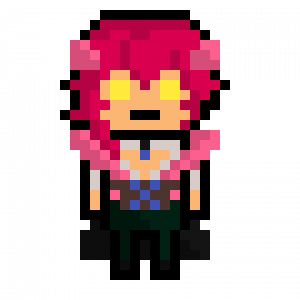
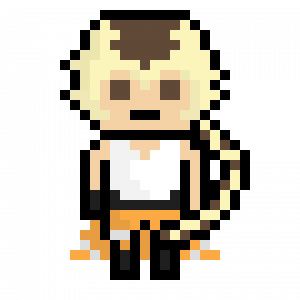

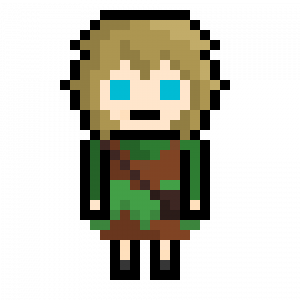

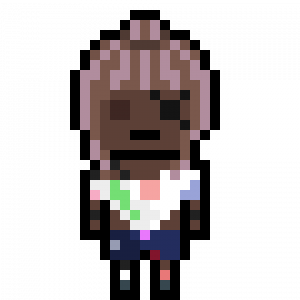







Top 𝙳𝚊𝚗𝚐𝚊𝚗𝚛𝚘𝚗𝚙𝚊 / 𝚆𝚎𝚕𝚌𝚘𝚖𝚎 𝚝𝚘 𝚝𝚑𝚎 𝚗𝚎𝚠, ranked by fans
No top list yet — your picks and finished rankings start it.
About this grid · How to use it
About this grid
Grids work well for awards: one winner for each label you come up with.
Pick the size before you start: 9 squares for a quick one, 25 for a full set of awards.
30 images, from the TierMaker template “𝙳𝚊𝚗𝚐𝚊𝚗𝚛𝚘𝚗𝚙𝚊 / 𝚆𝚎𝚕𝚌𝚘𝚖𝚎 𝚝𝚘 𝚝𝚑𝚎 𝚗𝚎𝚠”.
Every pick and every finished ranking here counts toward the fans' top 𝙳𝚊𝚗𝚐𝚊𝚗𝚛𝚘𝚗𝚙𝚊 / 𝚆𝚎𝚕𝚌𝚘𝚖𝚎 𝚝𝚘 𝚝𝚑𝚎 𝚗𝚎𝚠.
How to use it
- Pick a size, from 3×3 to 5×5.
- Click a square's label and type its category.
- Drag a pick into each square, or tap the square to choose one.
- When you're done, download the picture or copy a link that opens your board as you left it.